Skip to content
Bondry

Feature matrix

Everything in Bondry

Every area of the product, grouped by purpose. Each card shows a real screenshot of the public demo and opens that screen there.

About the demo

The demo resets every hour. Admin screens open on the sign-in page, which shows the public credentials; the public site uses the member account shown on its own sign-in page.

Public site

What members and visitors see: home, forum, blog, directory, courses and plans.

  • /
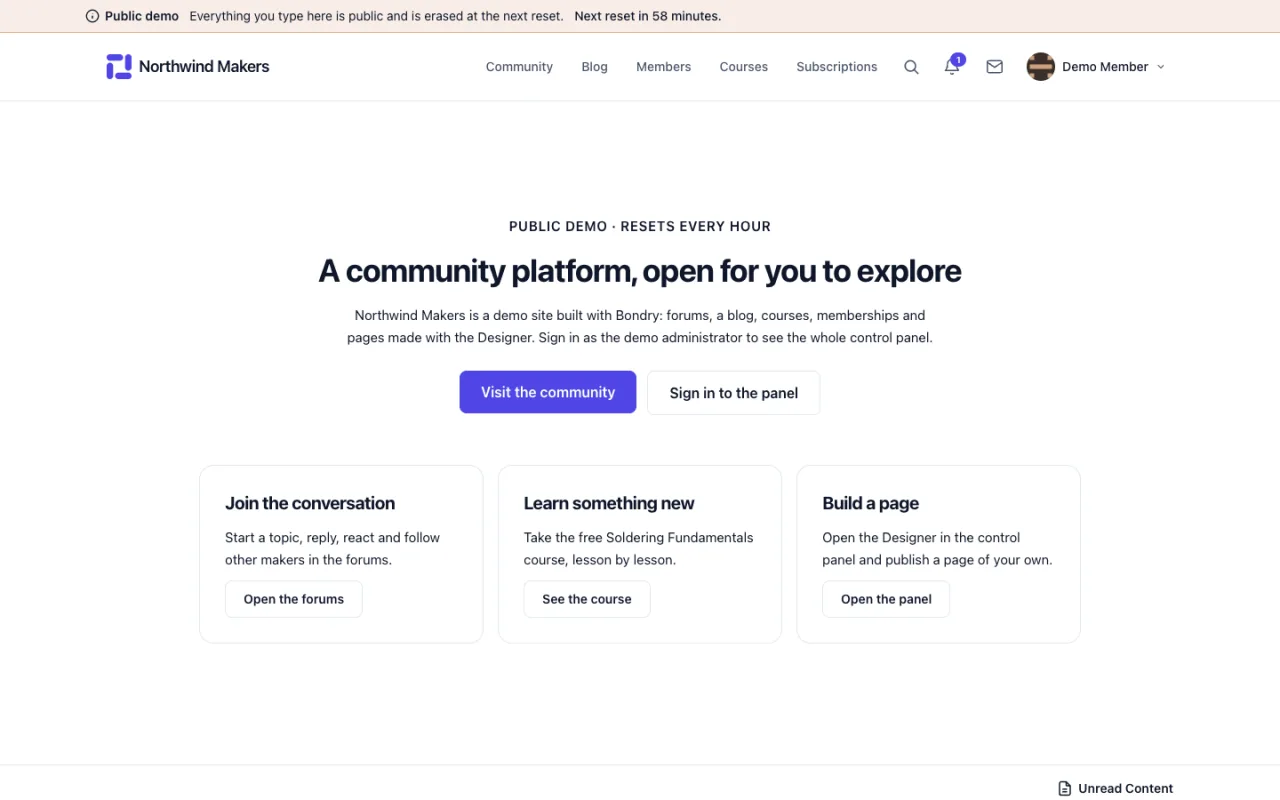
    Screenshot of Home page in the Bondry demo

    Home page

    Site

    The public home page, built with the Designer and the active theme.

  • /community
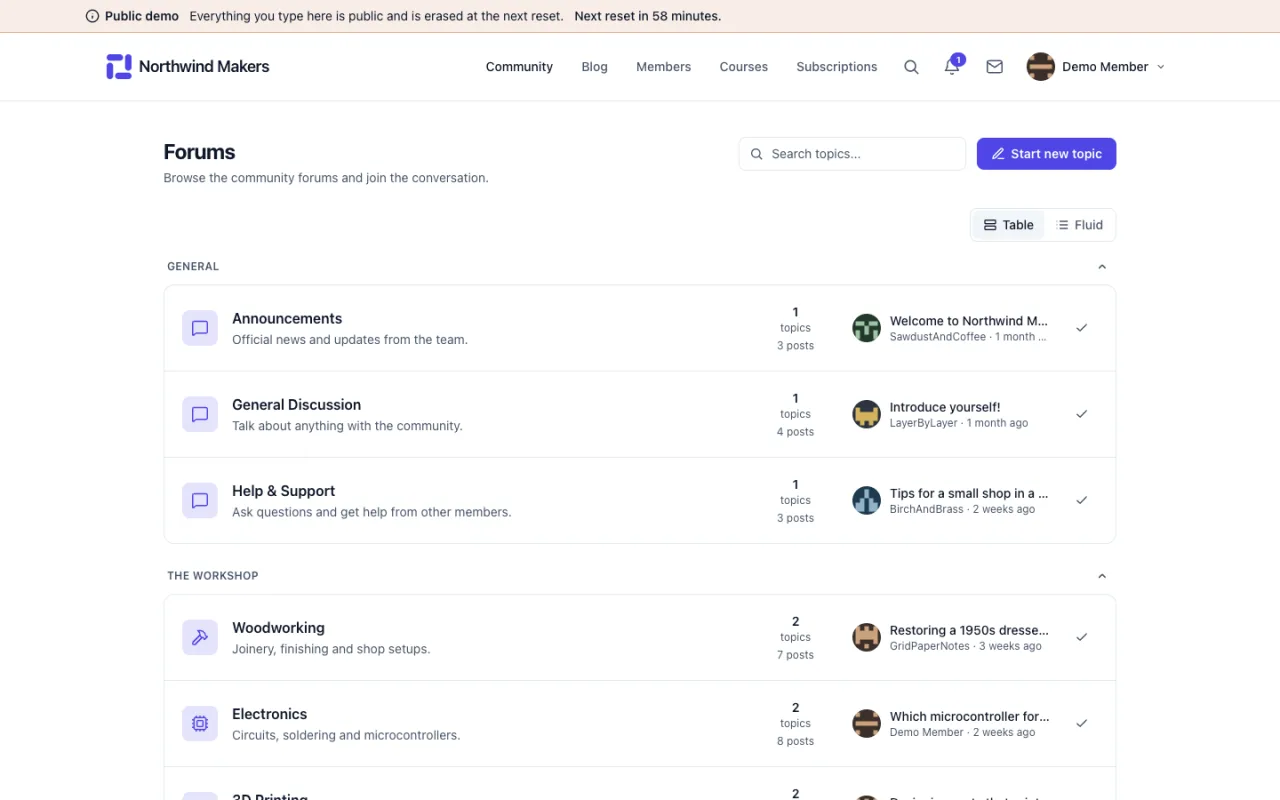
    Screenshot of Community forum in the Bondry demo

    Community forum

    Site

    Categories, topics, replies, reactions and following.

  • /blog
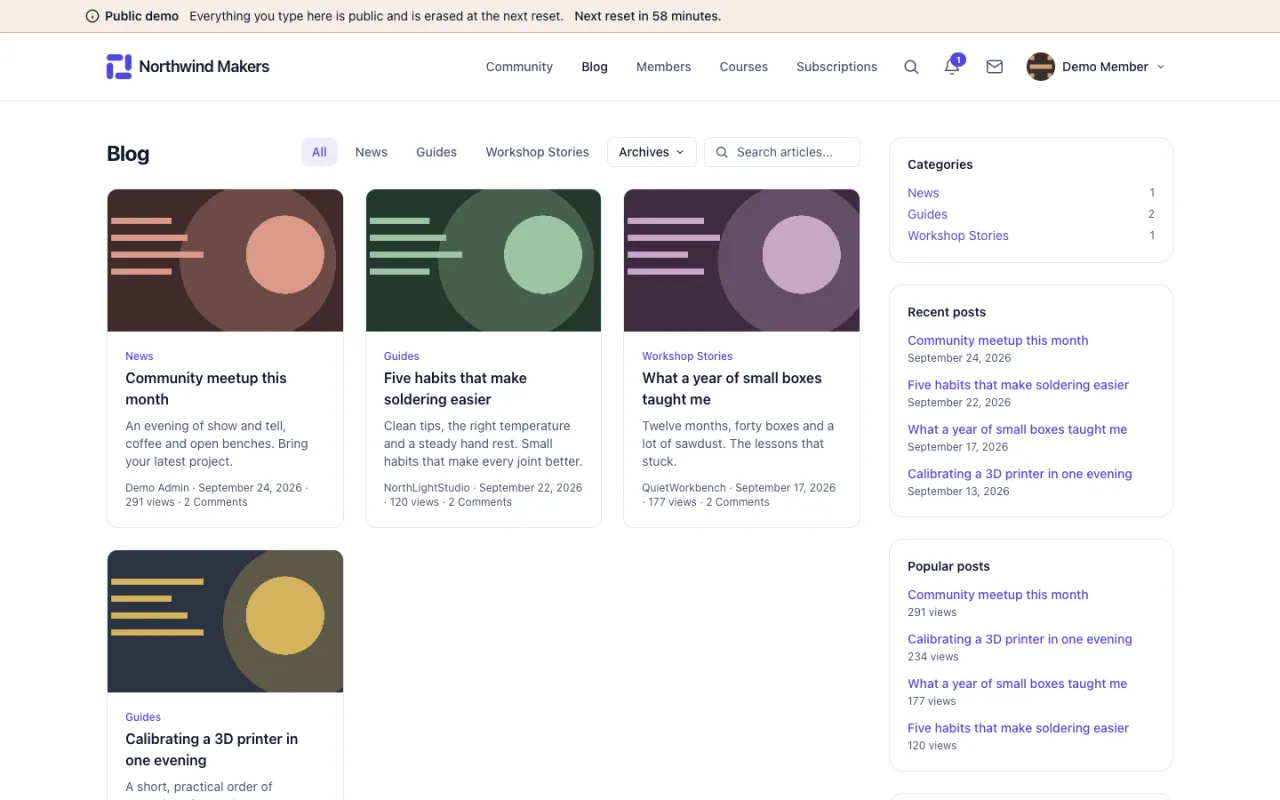
    Screenshot of Blog in the Bondry demo

    Blog

    Site

    Posts with categories, tags and comments.

  • /members
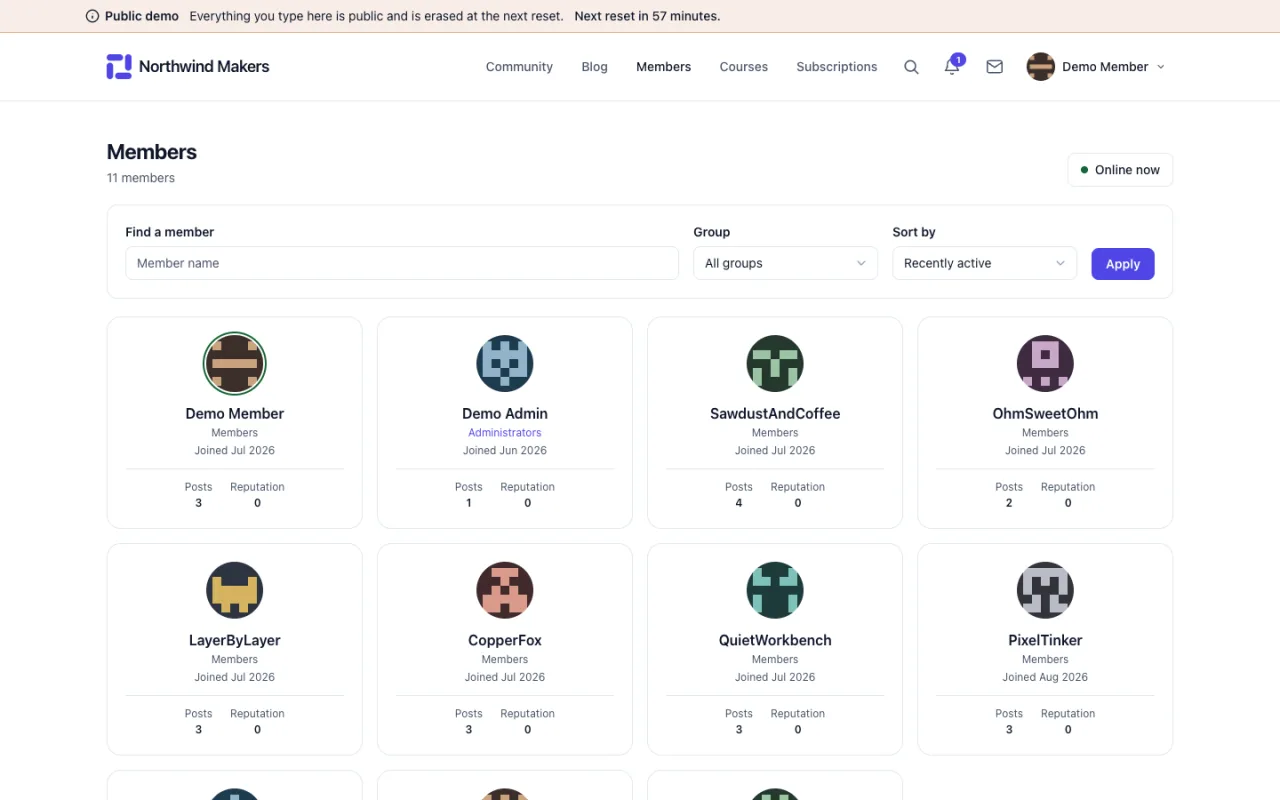
    Screenshot of Member directory in the Bondry demo

    Member directory

    Site

    A searchable list of members with their public profiles.

  • /courses
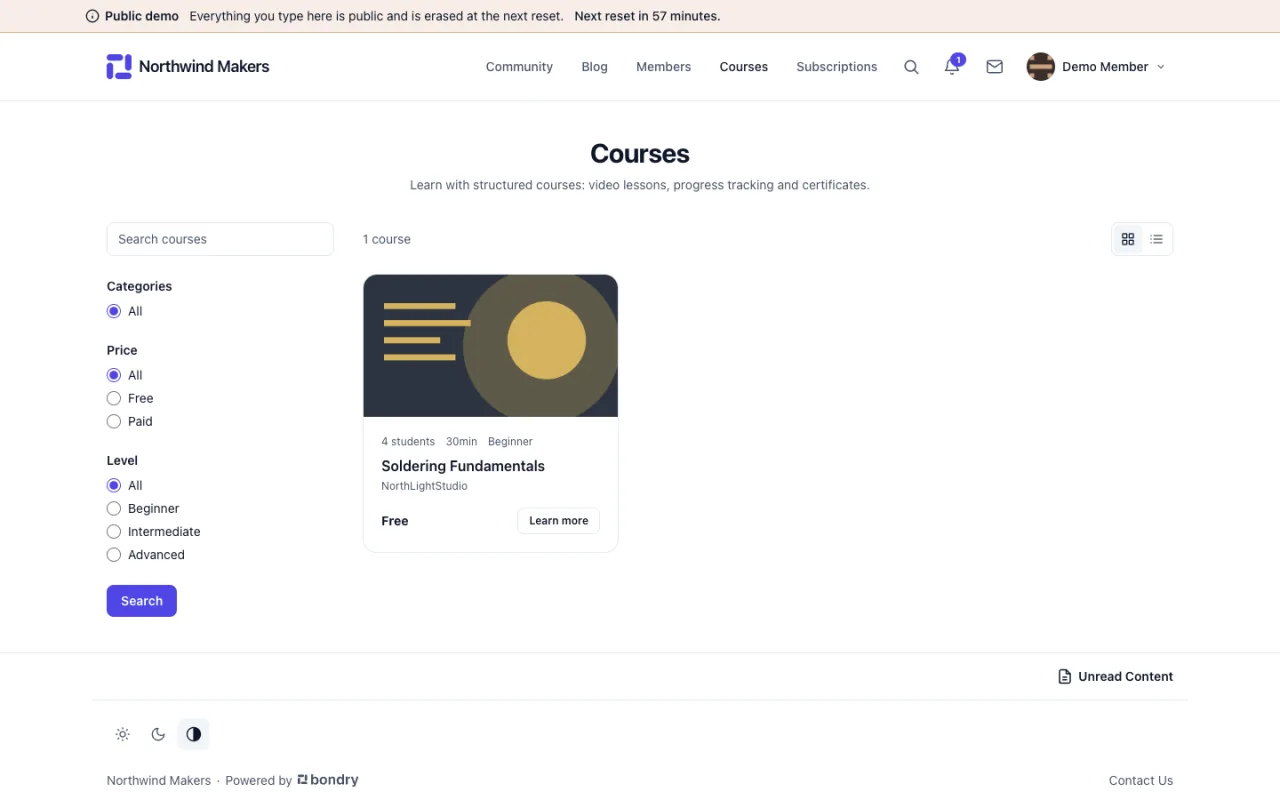
    Screenshot of Course catalog in the Bondry demo

    Course catalog

    Site

    The public catalog of the LMS module, with filters and prices.

  • /subscriptions
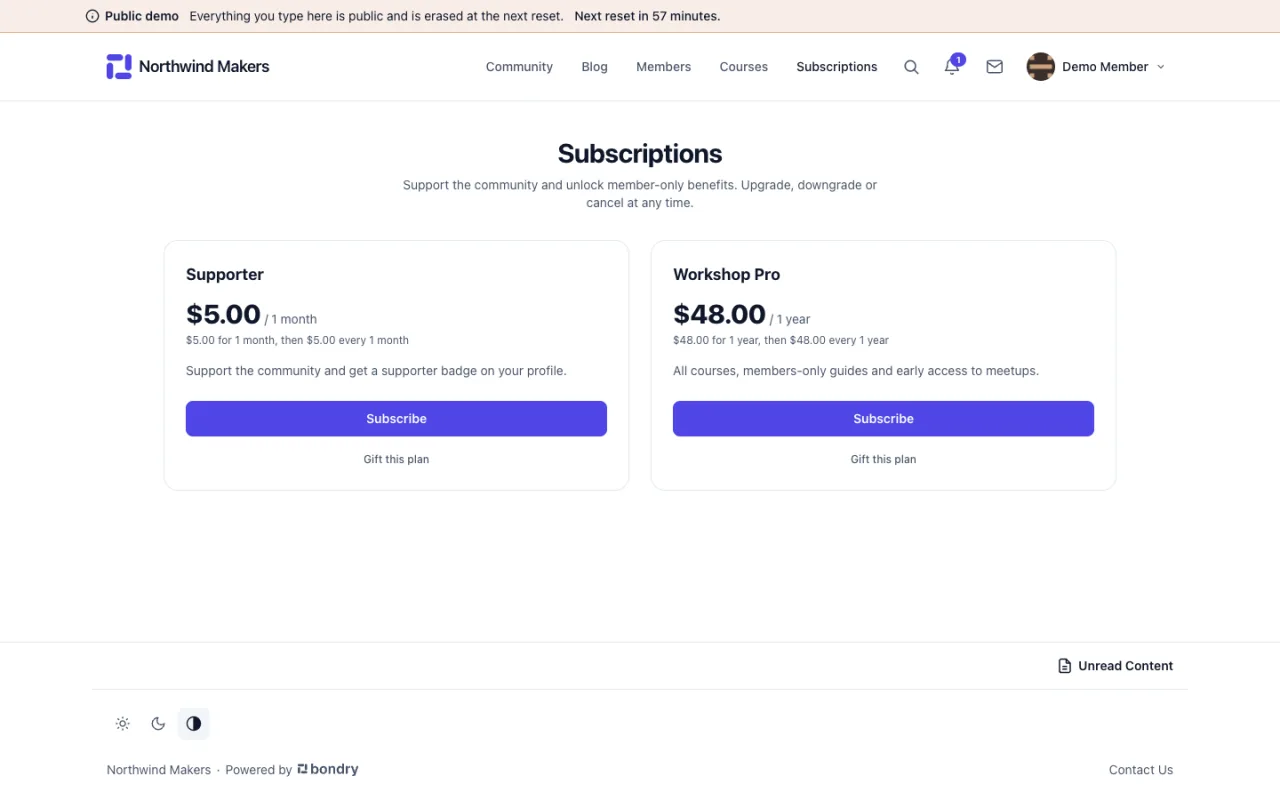
    Screenshot of Membership plans in the Bondry demo

    Membership plans

    Site

    The plan page of the Members Plus module, ready for checkout.

Dashboard and statistics

The first screen of the admin panel and the charts that follow the community.

  • /admin
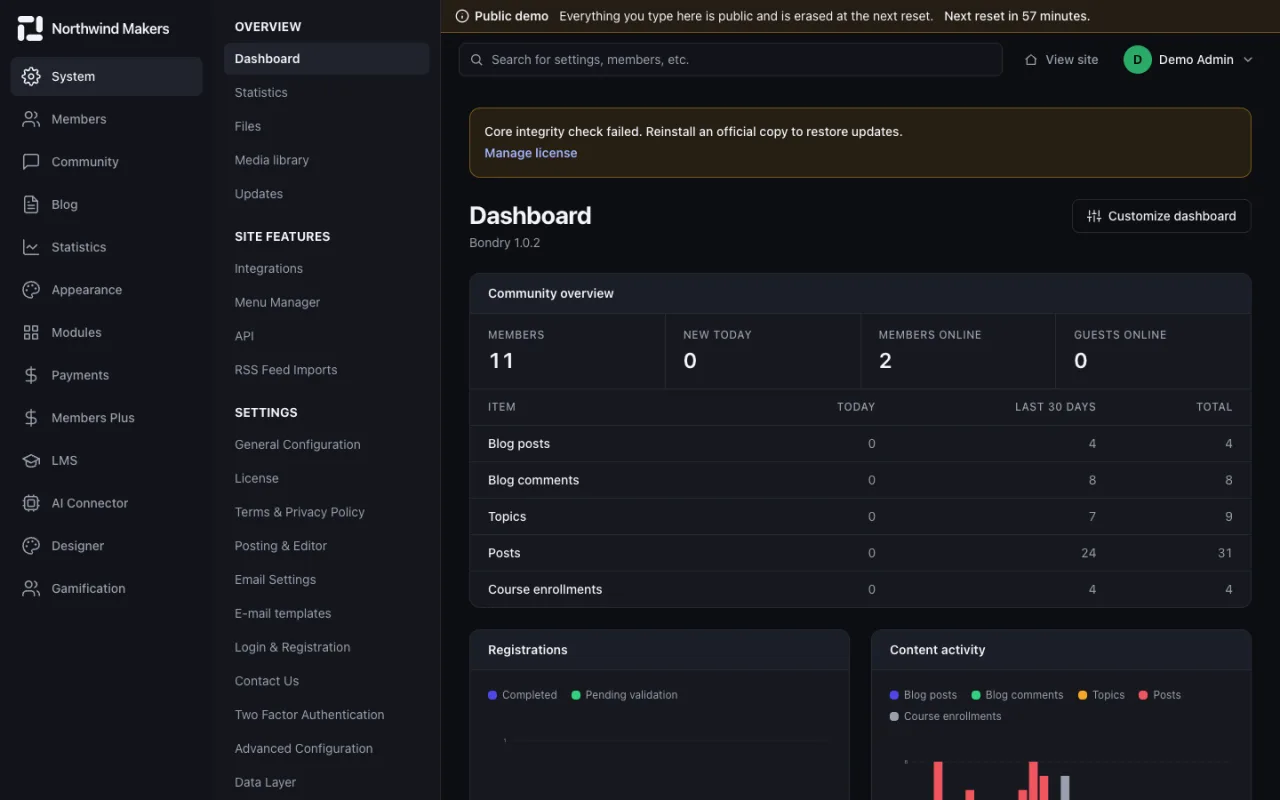
    Screenshot of Admin dashboard in the Bondry demo

    Admin dashboard

    Admin

    A summary of members, content and activity as soon as you sign in.

  • /admin/stats
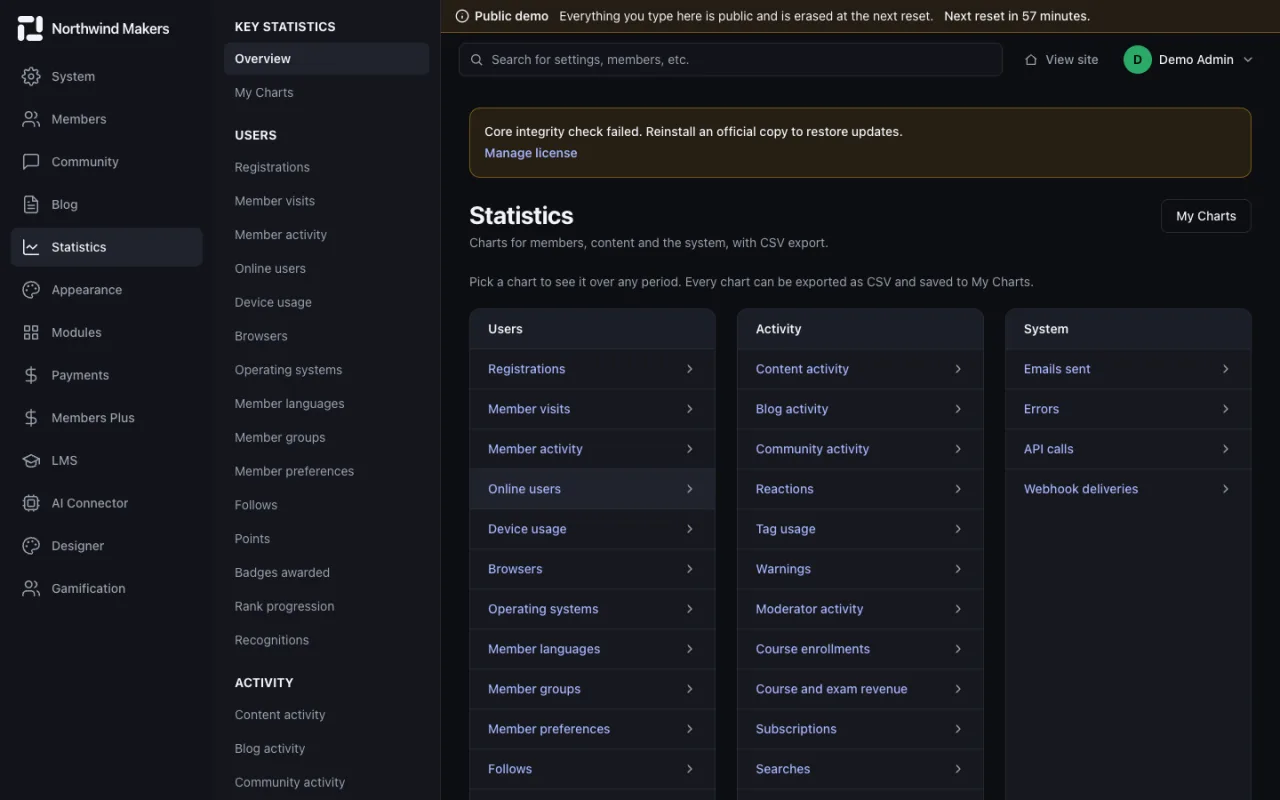
    Screenshot of Statistics in the Bondry demo

    Statistics

    Admin

    The index of charts for members, content, courses, payments and system health.

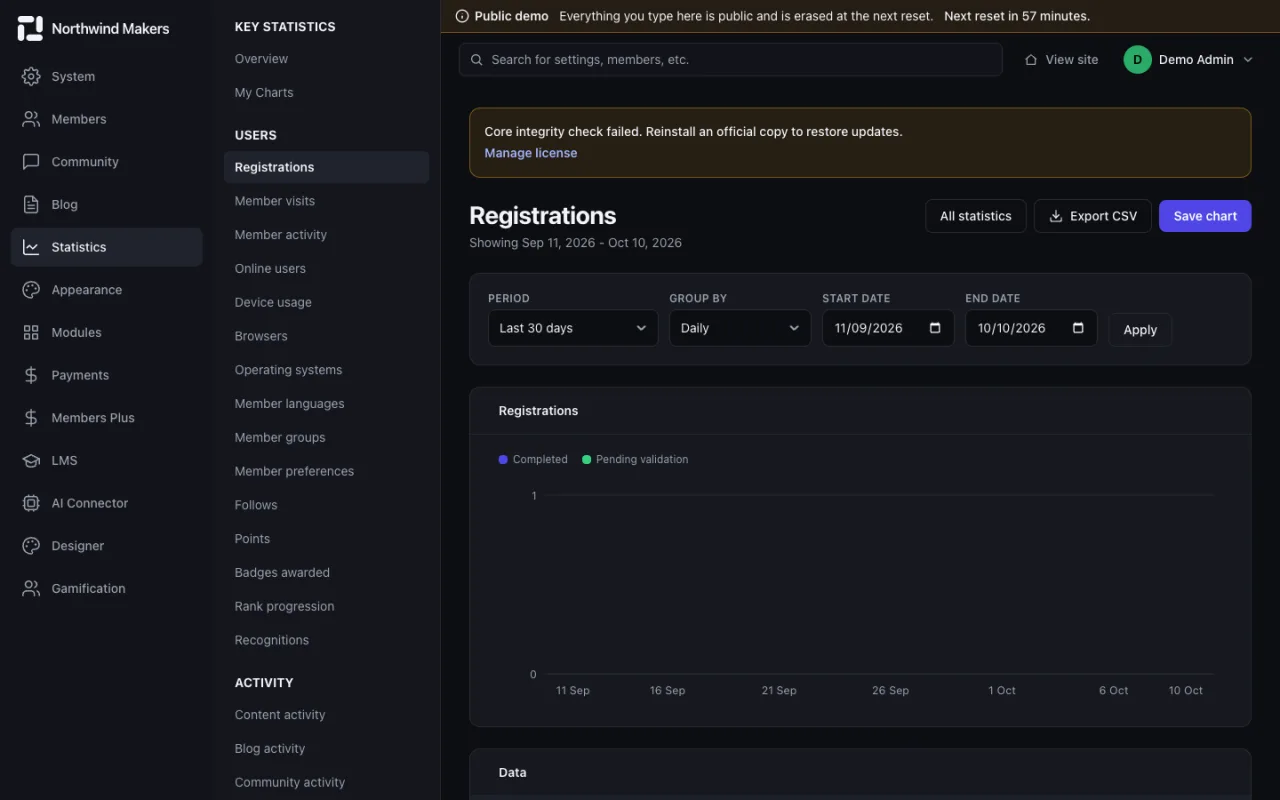
  • /admin/stats/registrations
    Screenshot of Registrations chart in the Bondry demo

    Registrations chart

    Admin

    New members over time, with a selectable period.

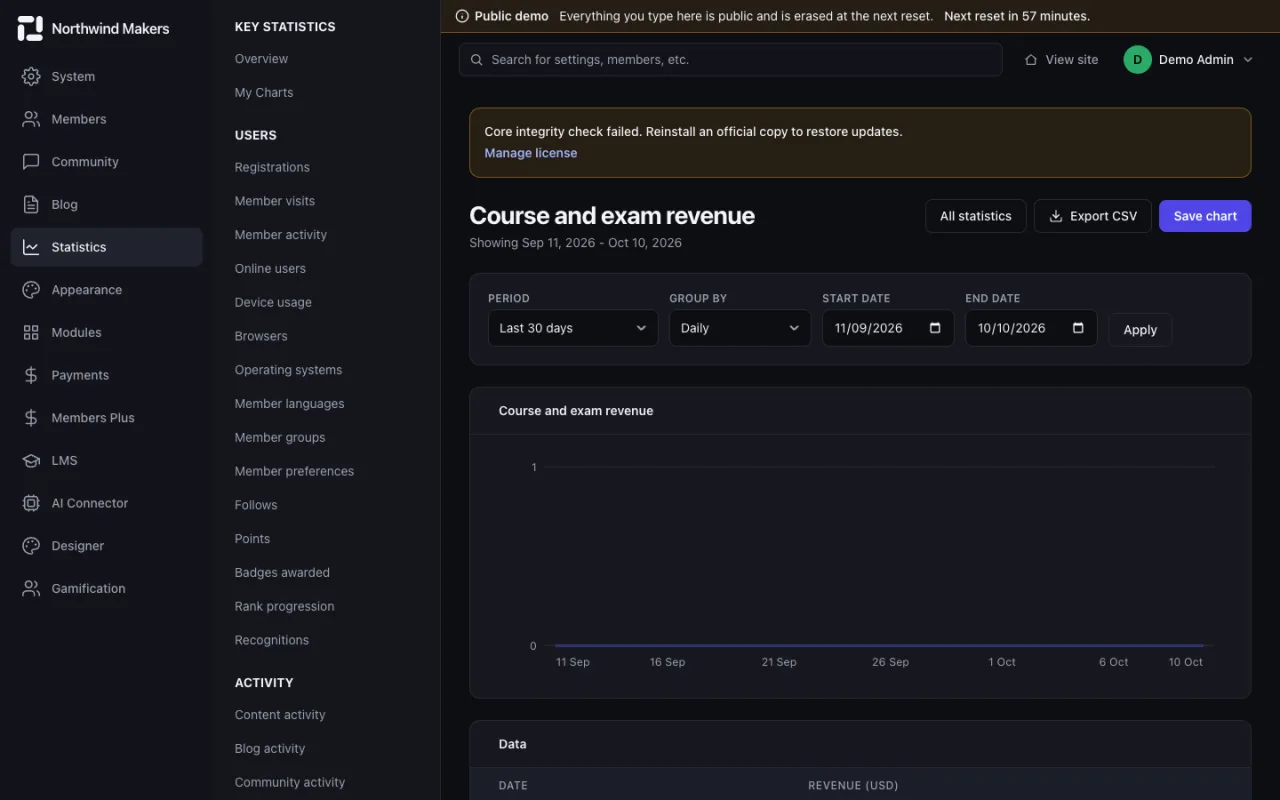
  • /admin/stats/lms_revenue
    Screenshot of Course revenue chart in the Bondry demo

    Course revenue chart

    Admin

    Revenue from course sales over time.

Members

Accounts, groups, profile fields, reactions and the filters that keep unwanted sign-ups out.

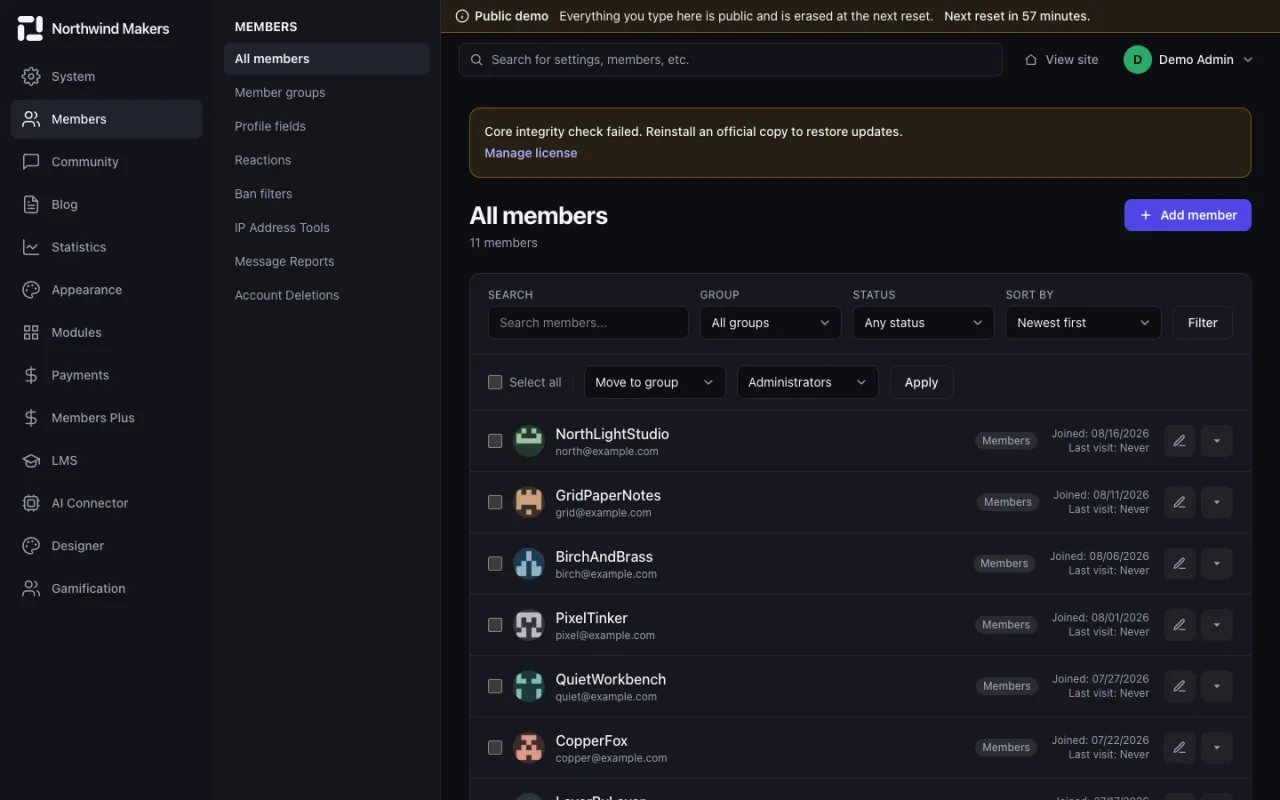
  • /admin/members
    Screenshot of Member list in the Bondry demo

    Member list

    Admin

    Search, filter and edit accounts, with bulk actions.

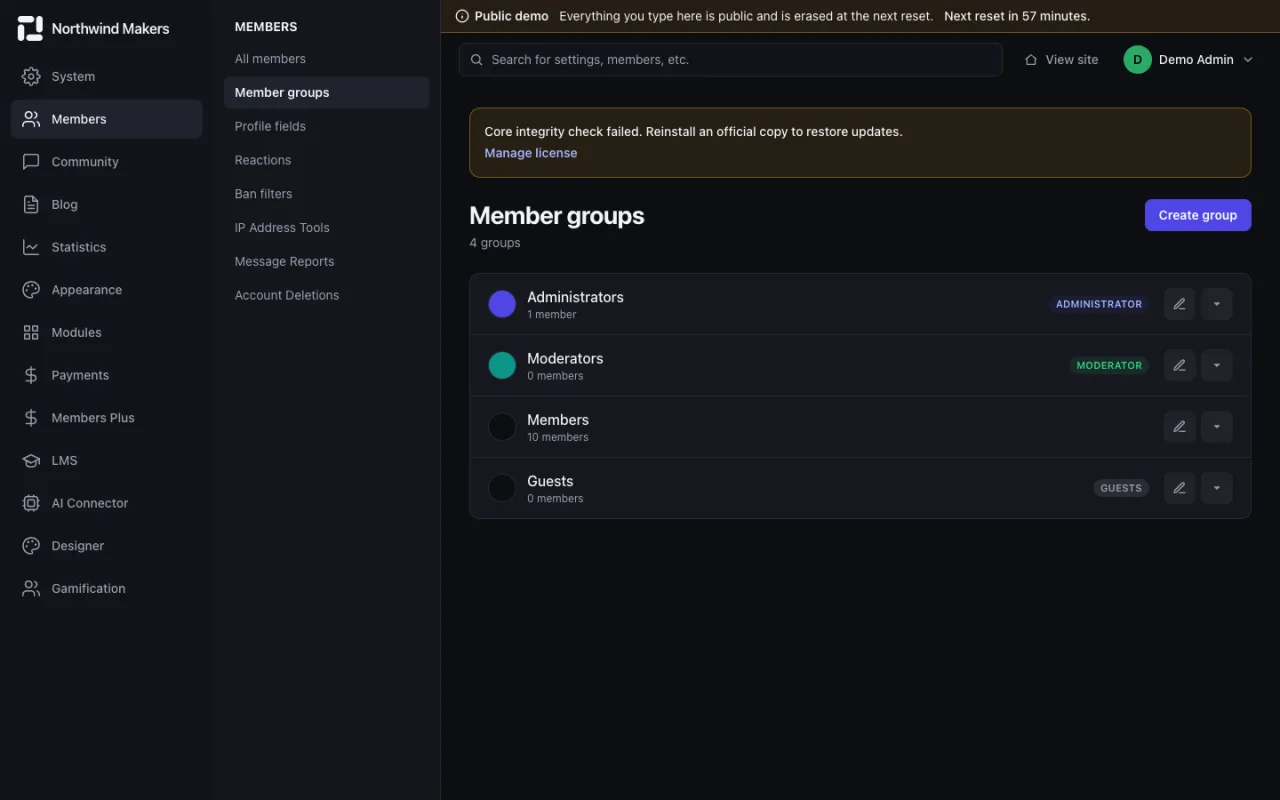
  • /admin/members/groups
    Screenshot of Member groups in the Bondry demo

    Member groups

    Admin

    Groups with their own permissions and appearance.

  • /admin/members/profile-fields
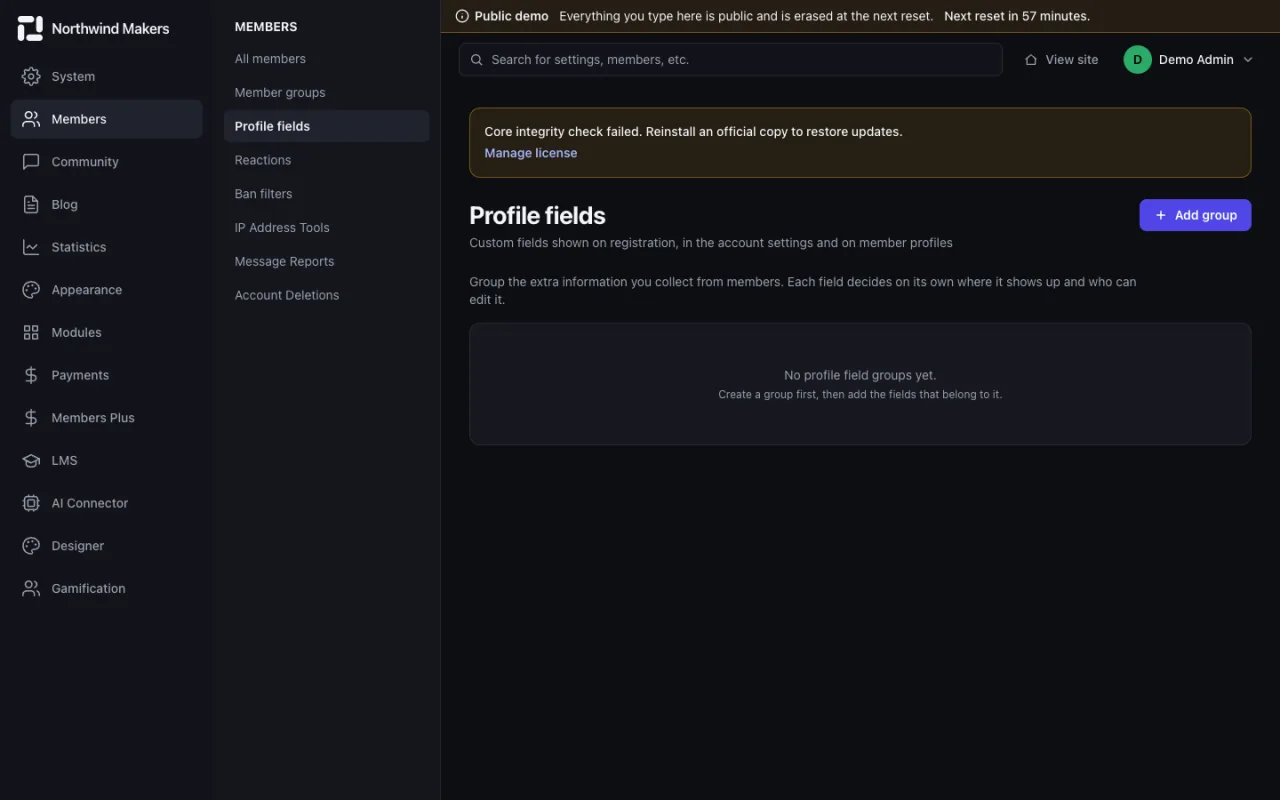
    Screenshot of Profile fields in the Bondry demo

    Profile fields

    Admin

    Custom profile fields with type, visibility and registration rules.

  • /admin/members/reactions
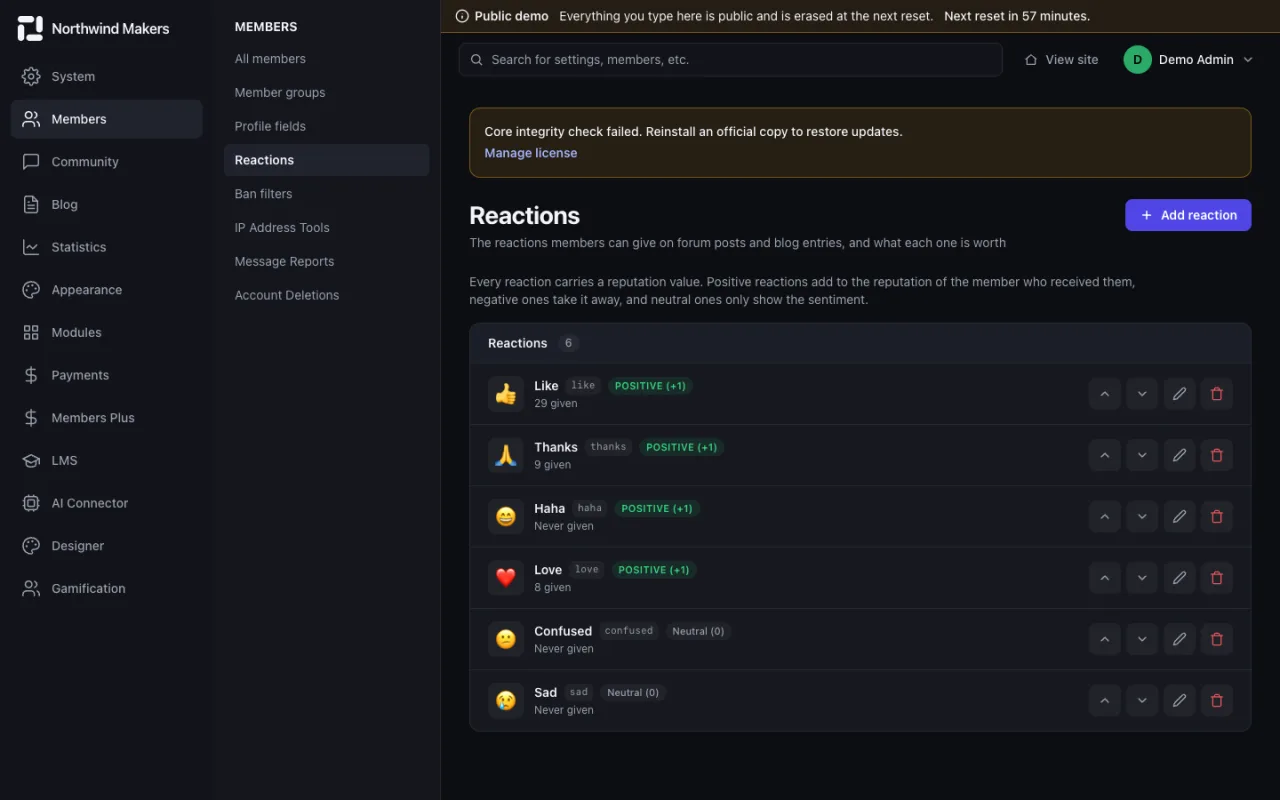
    Screenshot of Reactions in the Bondry demo

    Reactions

    Admin

    The reaction set members can use on posts, with icons and points.

  • /admin/members/ban-filters
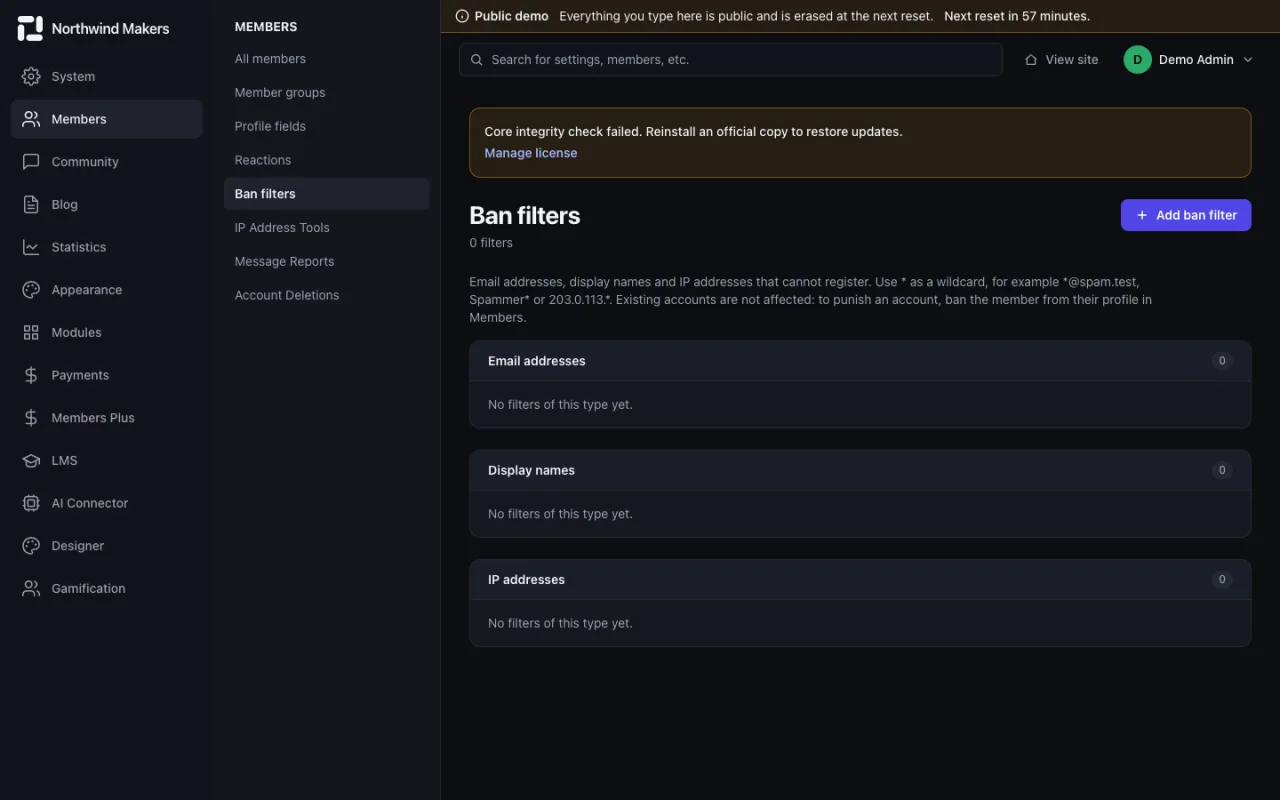
    Screenshot of Ban filters in the Bondry demo

    Ban filters

    Admin

    Block sign-ups by email, IP address or username pattern.

Community and moderation

Forum structure, moderation queue, reports and the community settings.

  • /admin/community/forums
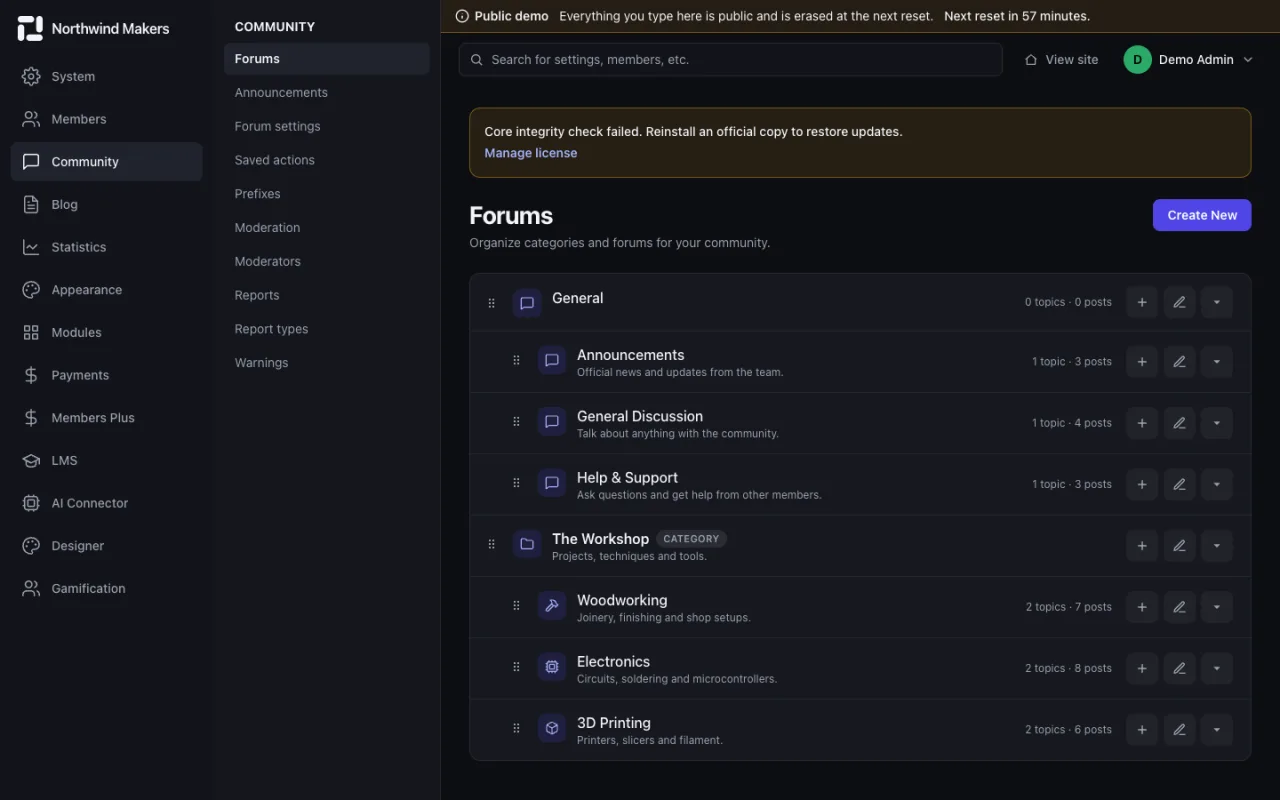
    Screenshot of Forums and categories in the Bondry demo

    Forums and categories

    Admin

    The forum tree, with permissions per group.

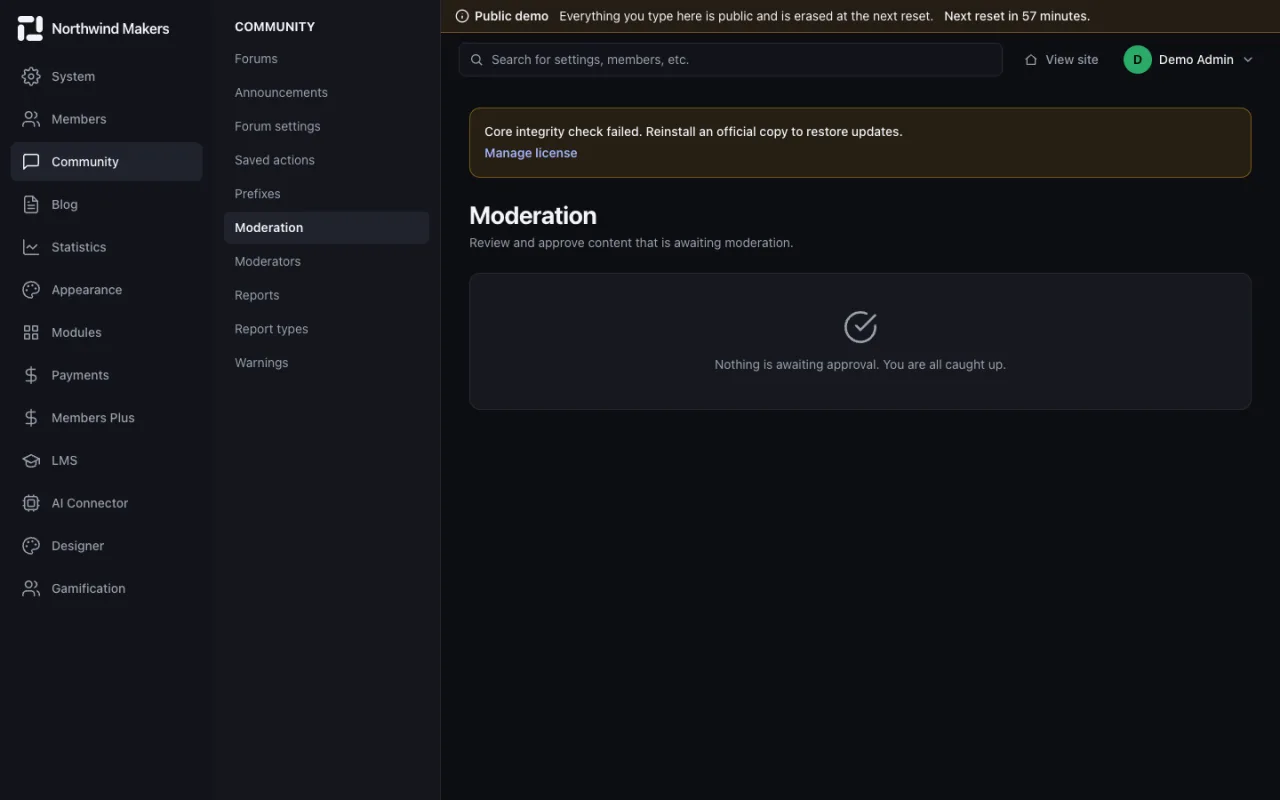
  • /admin/community/moderation
    Screenshot of Moderation queue in the Bondry demo

    Moderation queue

    Admin

    Content waiting for approval, in one place.

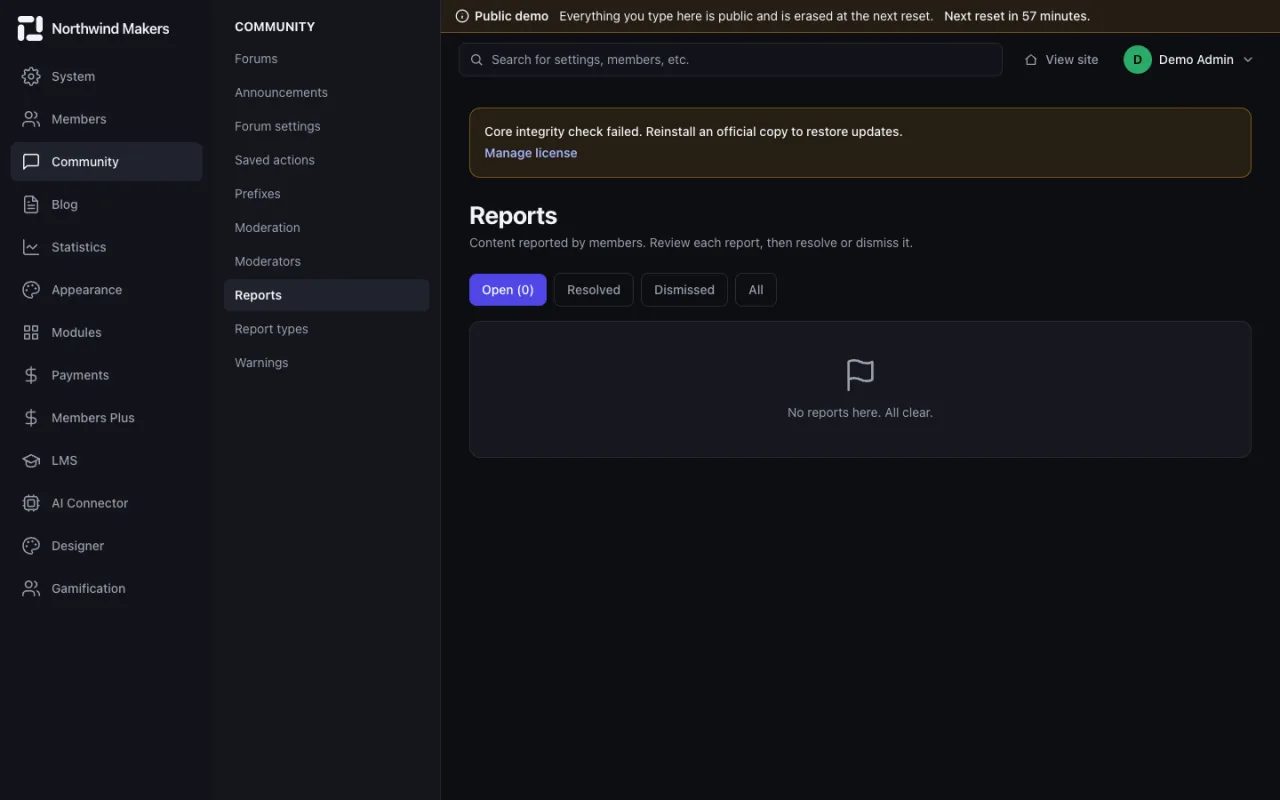
  • /admin/community/reports
    Screenshot of Community reports in the Bondry demo

    Community reports

    Admin

    Reports sent by members, with status and the action taken.

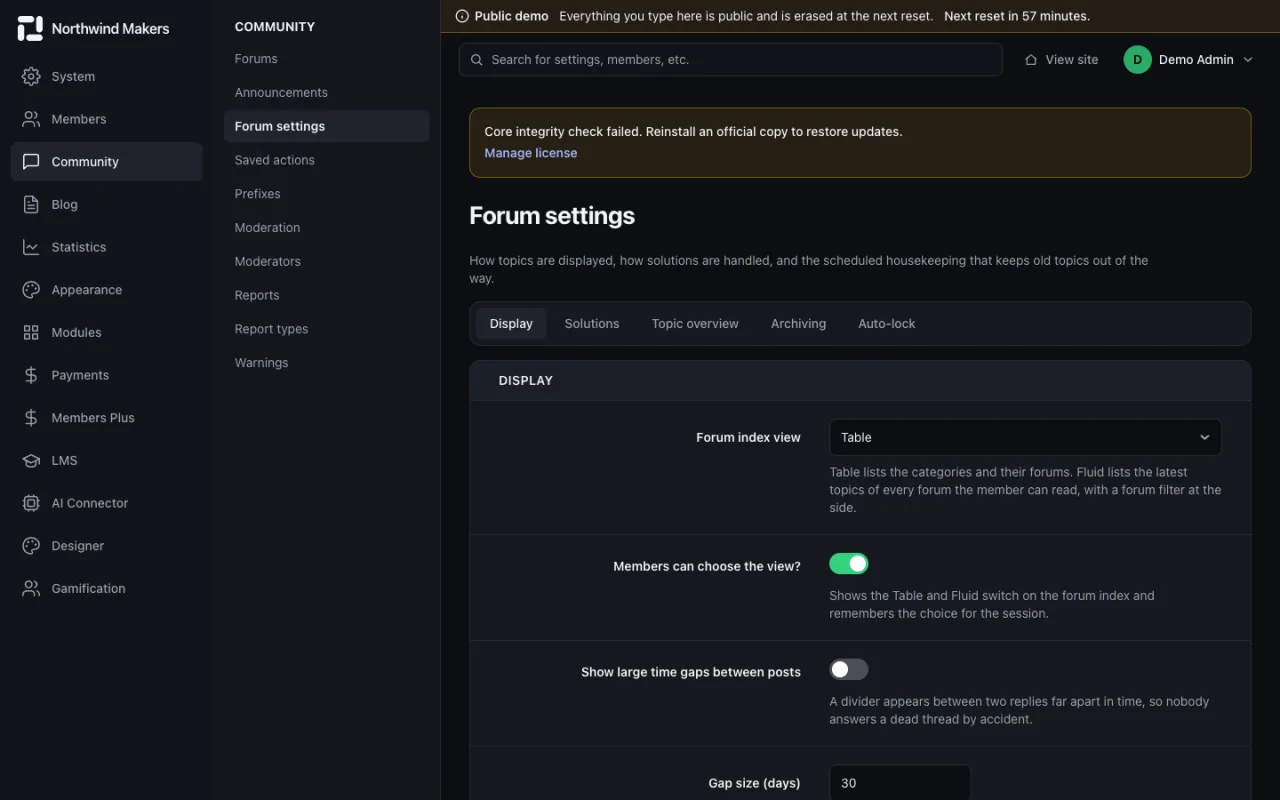
  • /admin/community/settings
    Screenshot of Community settings in the Bondry demo

    Community settings

    Admin

    Posting rules, editing time, polls and other forum behavior.

Blog

Publishing, comment moderation and blog settings.
  • /admin/blog/posts
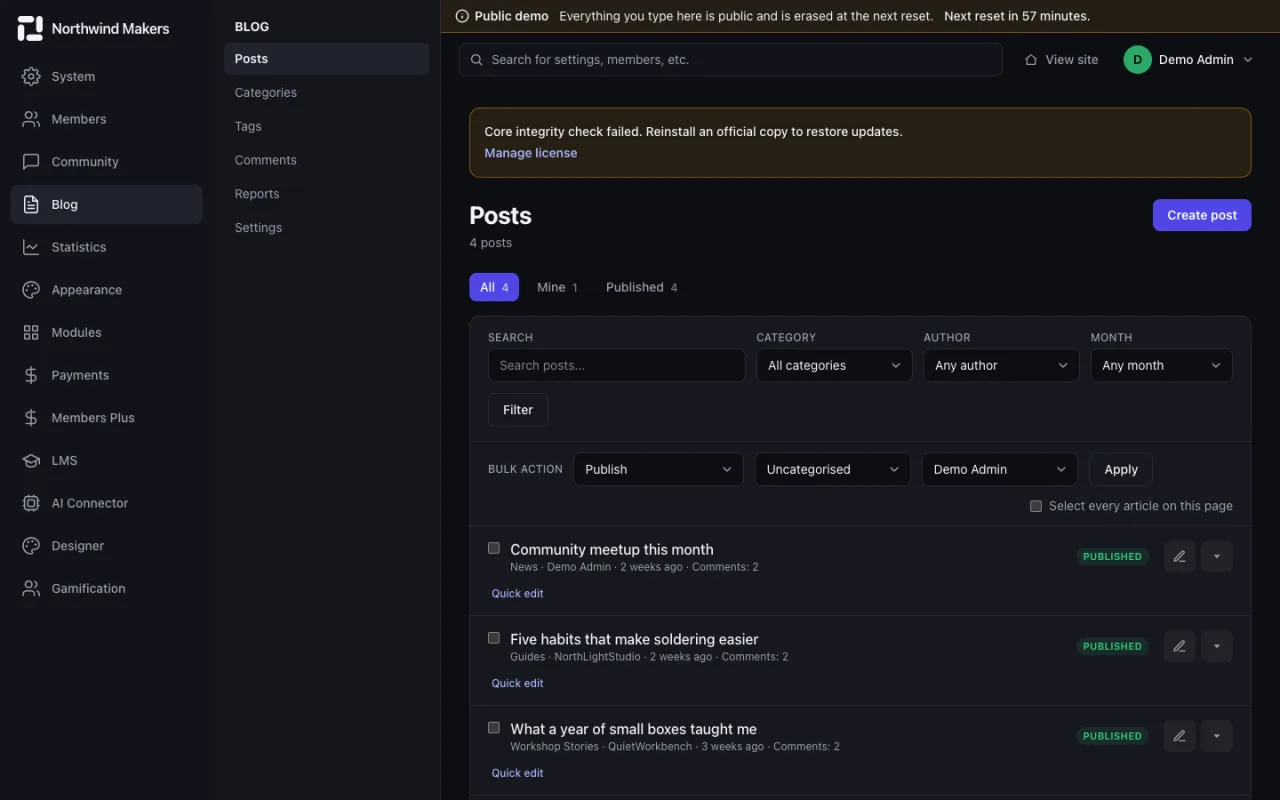
    Screenshot of Blog posts in the Bondry demo

    Blog posts

    Admin

    Write, schedule and organize posts.

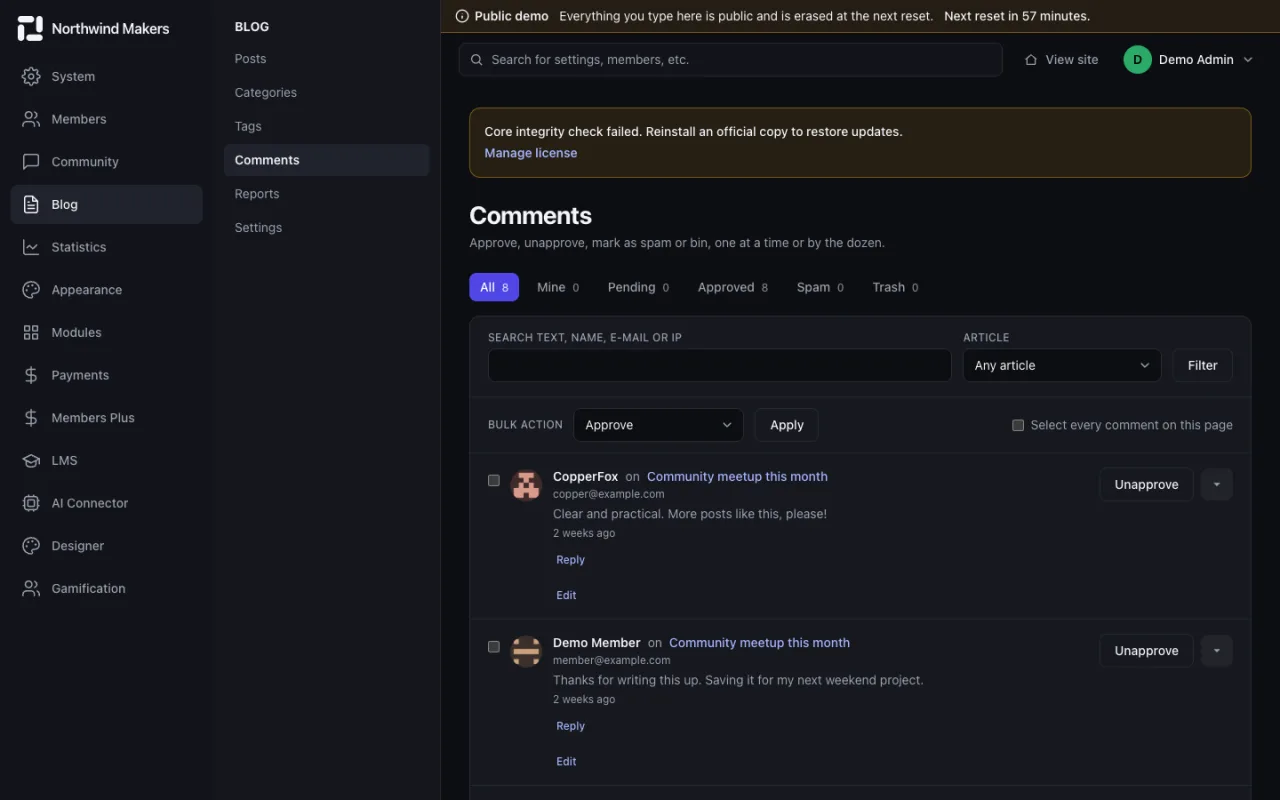
  • /admin/blog/comments
    Screenshot of Blog comments in the Bondry demo

    Blog comments

    Admin

    Approve, reply to or remove comments.

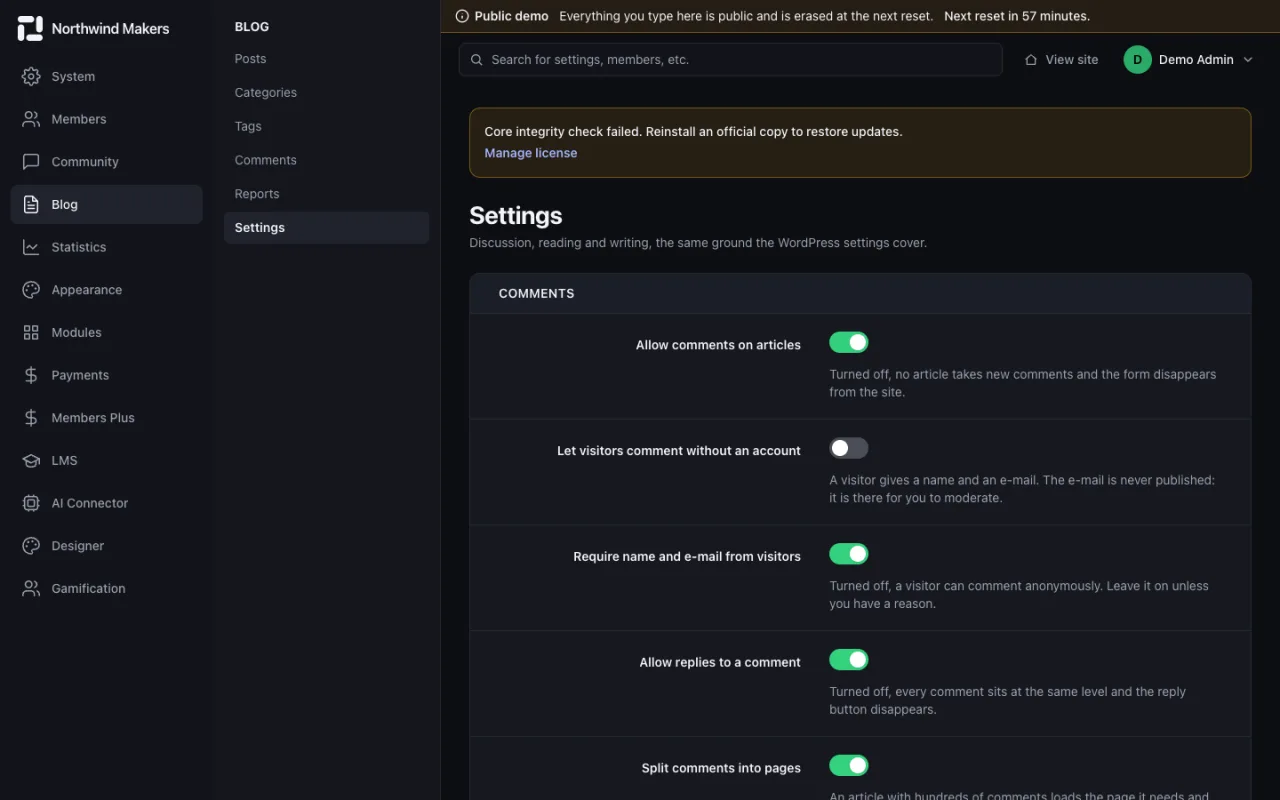
  • /admin/blog/settings
    Screenshot of Blog settings in the Bondry demo

    Blog settings

    Admin

    Permalinks, comments and display options for the blog.

Appearance and languages

Themes, customization, translations and site menus.
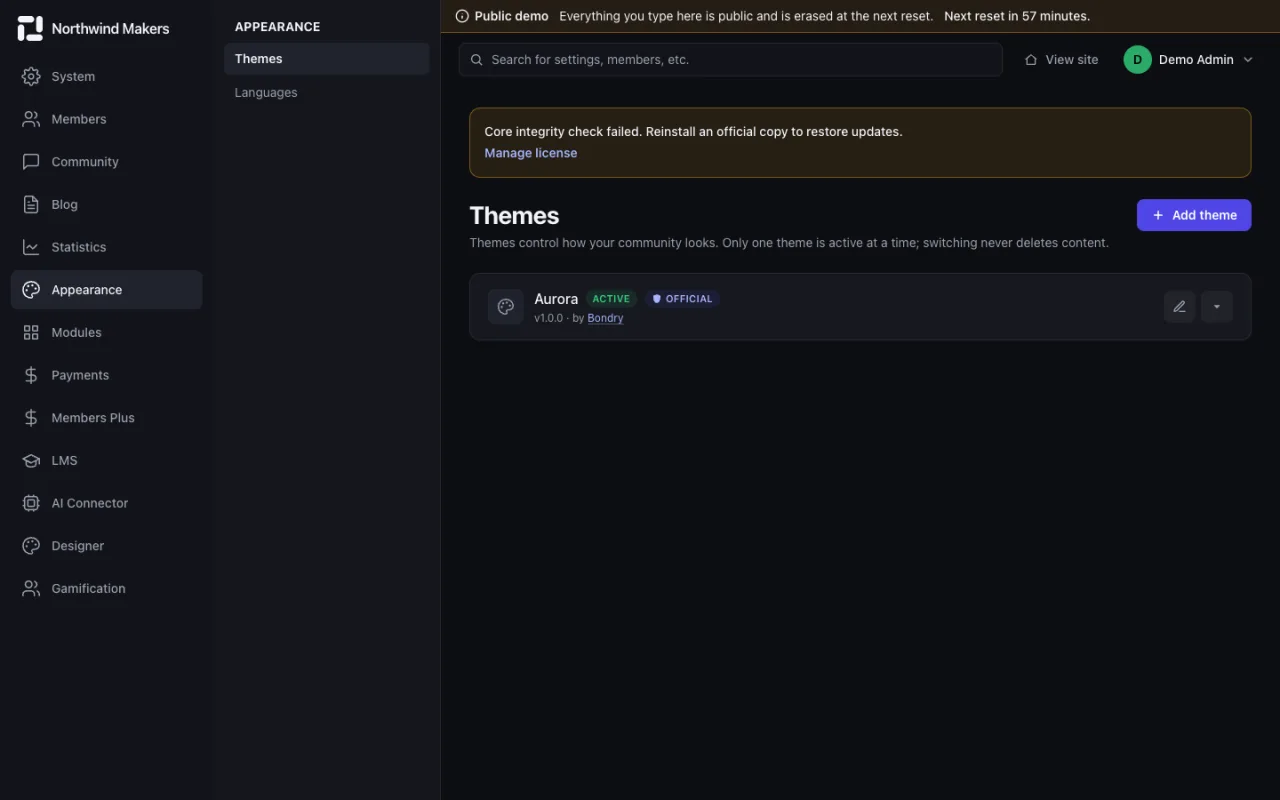
  • /admin/themes
    Screenshot of Themes in the Bondry demo

    Themes

    Admin

    Install, activate and update themes without touching code.

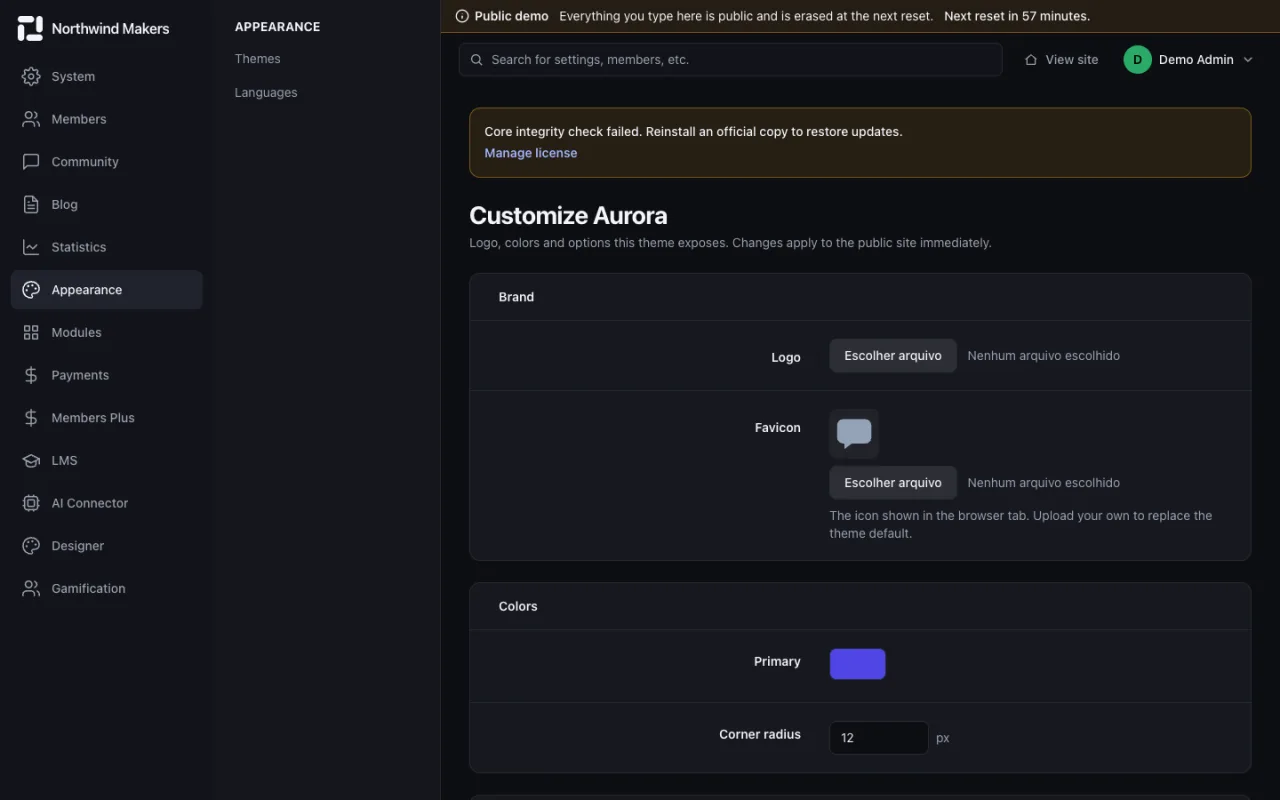
  • /admin/themes/aurora/customize
    Screenshot of Theme customization in the Bondry demo

    Theme customization

    Admin

    Colors, typography and layout of the active theme.

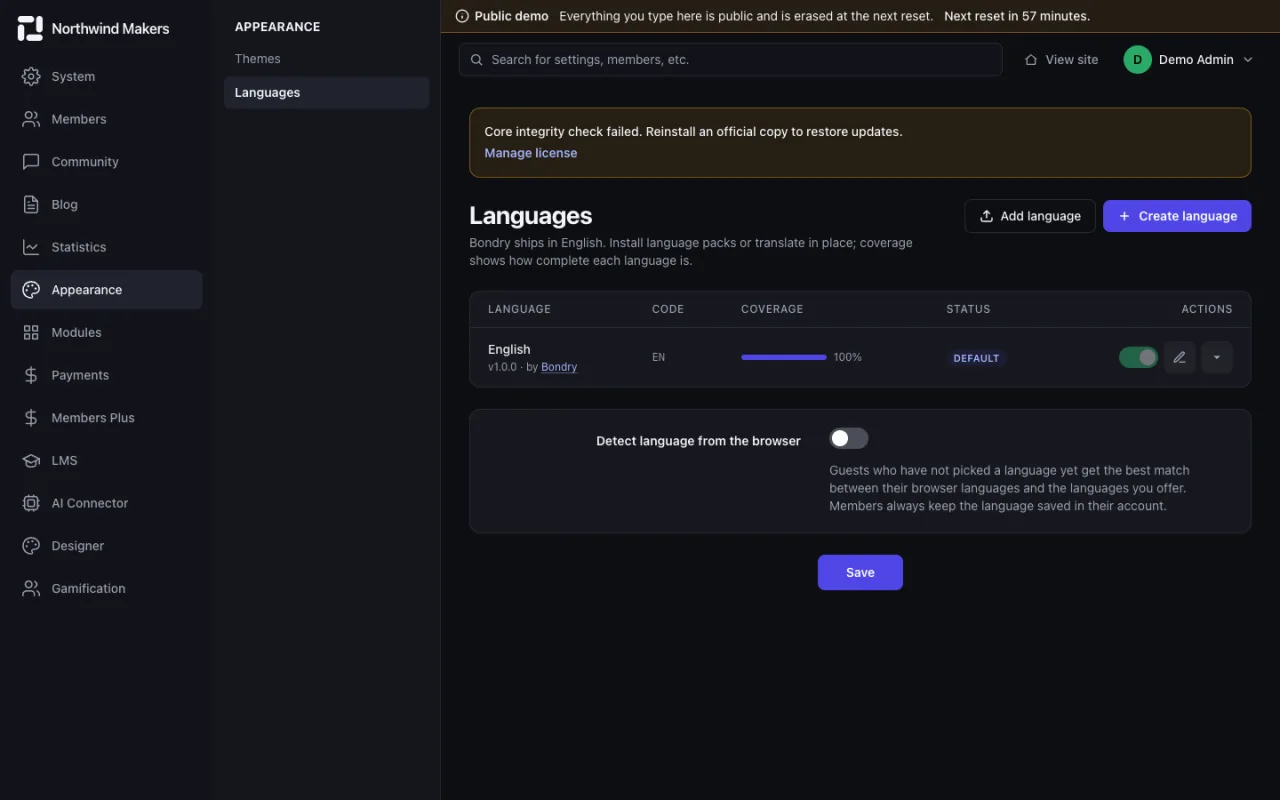
  • /admin/languages
    Screenshot of Languages in the Bondry demo

    Languages

    Admin

    Add languages, edit translations and export language packs.

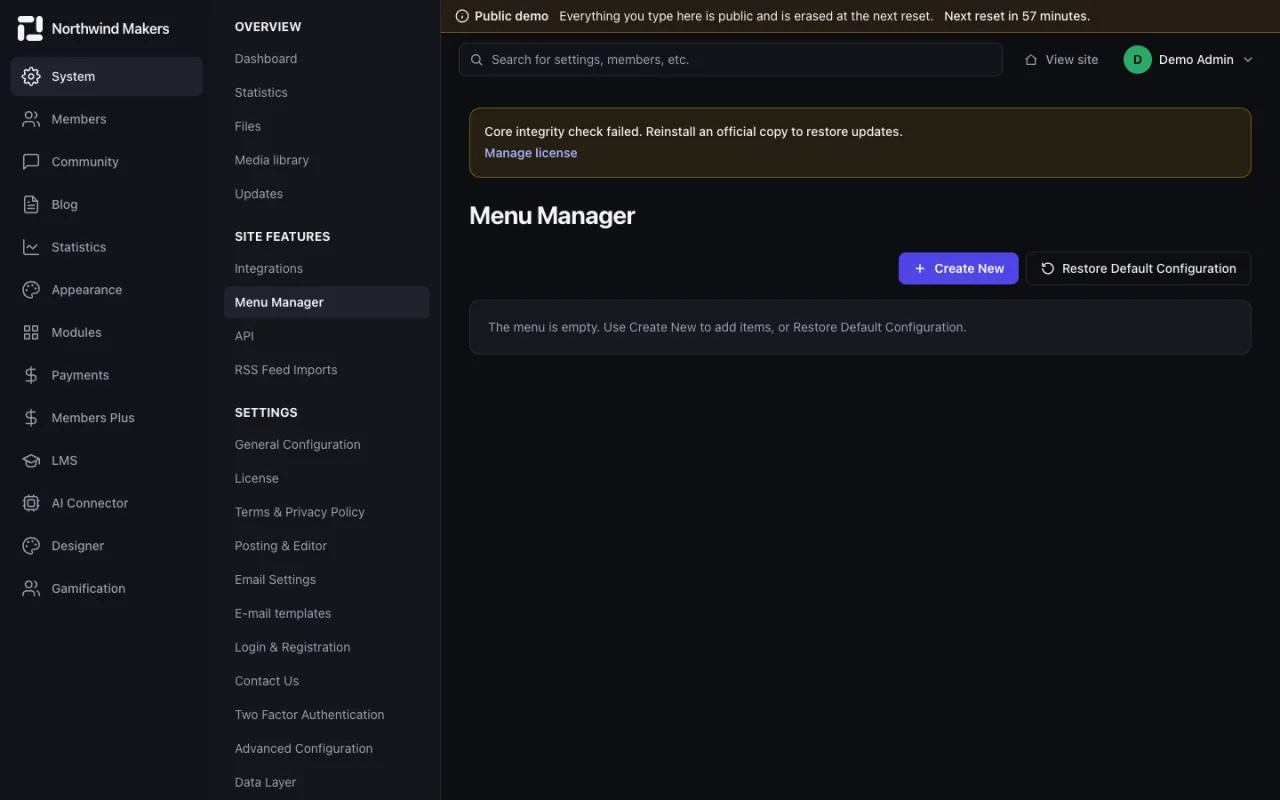
  • /admin/menus
    Screenshot of Menus in the Bondry demo

    Menus

    Admin

    Build site menus and place them in the layout.

Modules and integrations

Install and update modules, manage the license and connect external services.

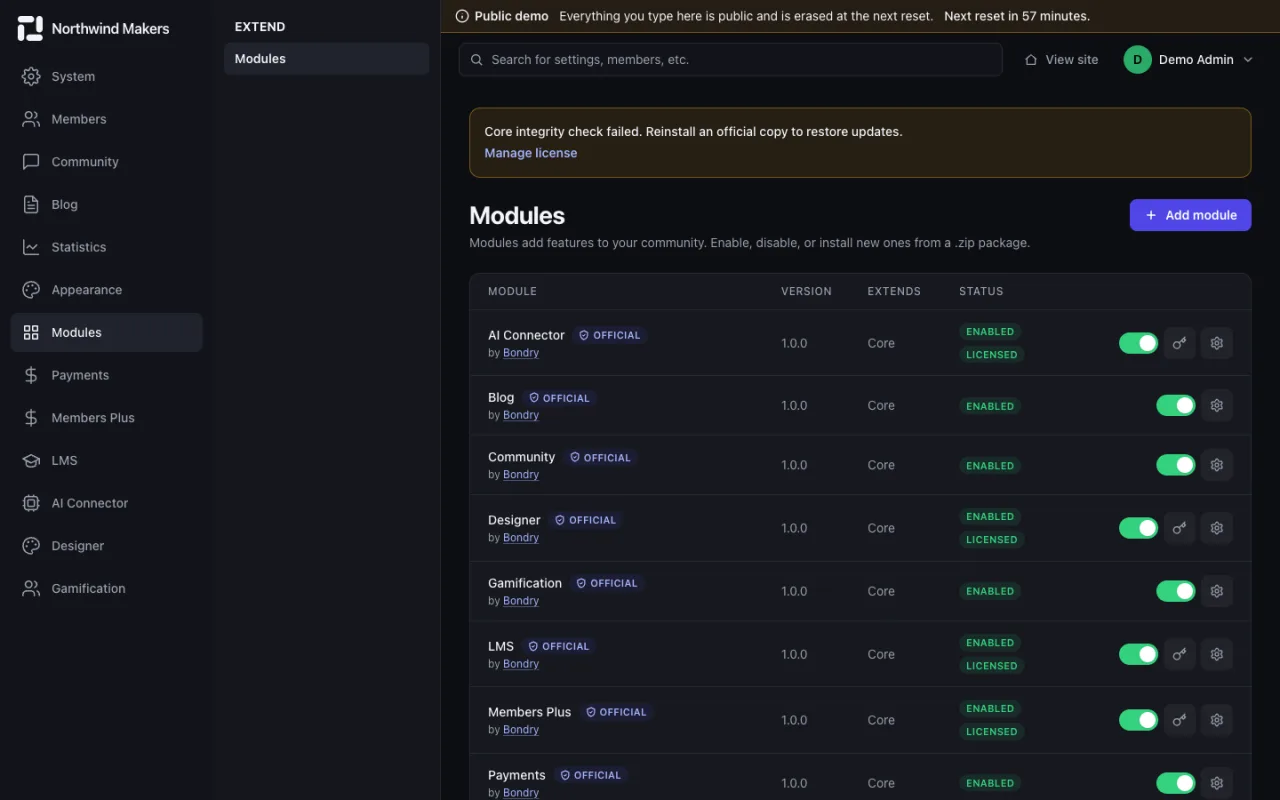
  • /admin/modules
    Screenshot of Modules in the Bondry demo

    Modules

    Admin

    Install, enable, disable and uninstall modules from a .zip package.

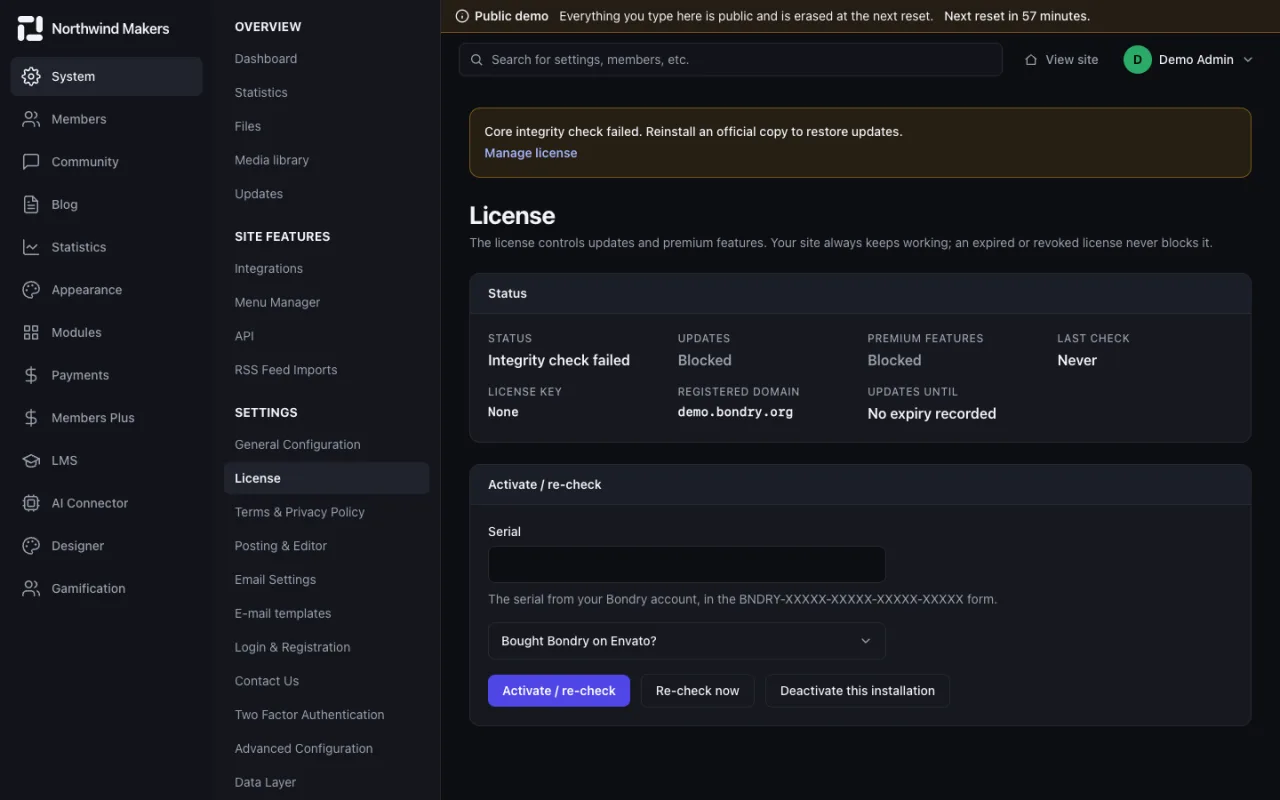
  • /admin/license
    Screenshot of License in the Bondry demo

    License

    Admin

    The status of your license and the domains it covers.

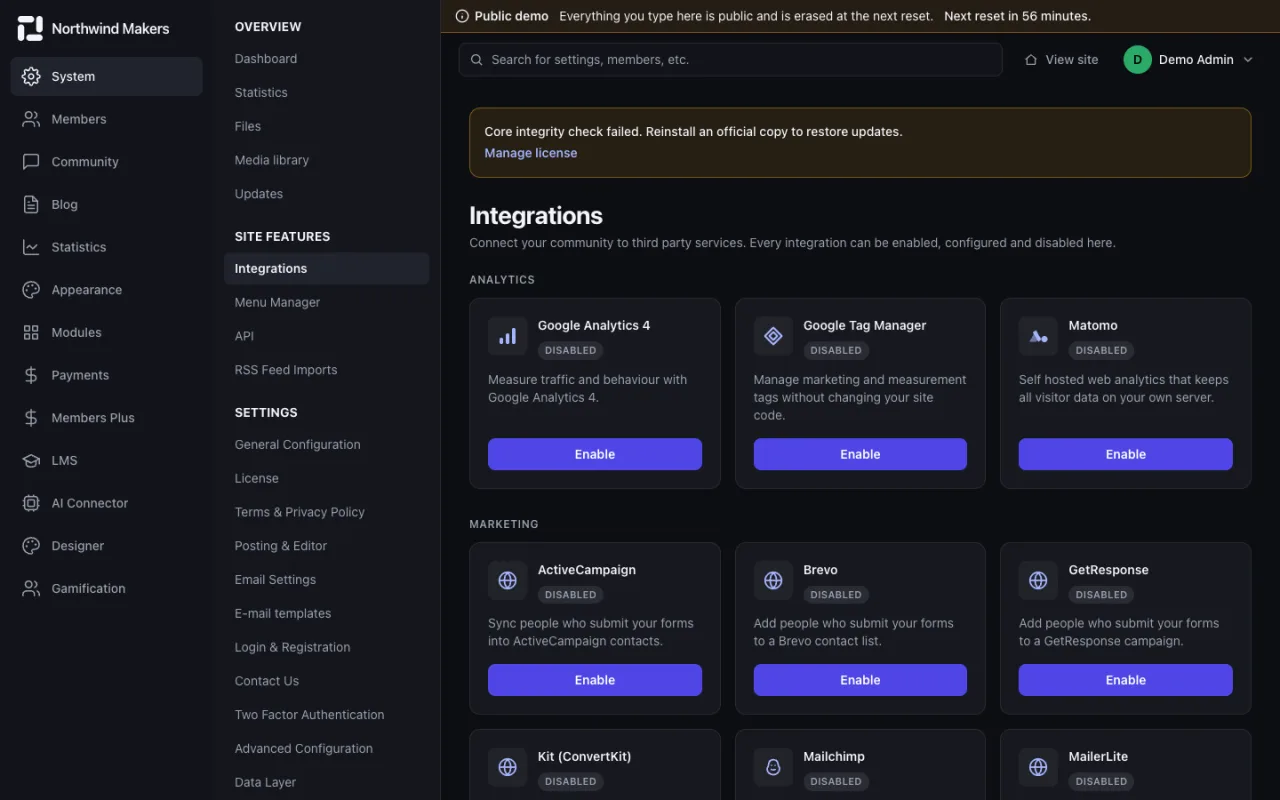
  • /admin/integrations
    Screenshot of Integrations in the Bondry demo

    Integrations

    Admin

    Connect email marketing, analytics, chat and media services such as Mailchimp, GA4, Slack and Zapier.

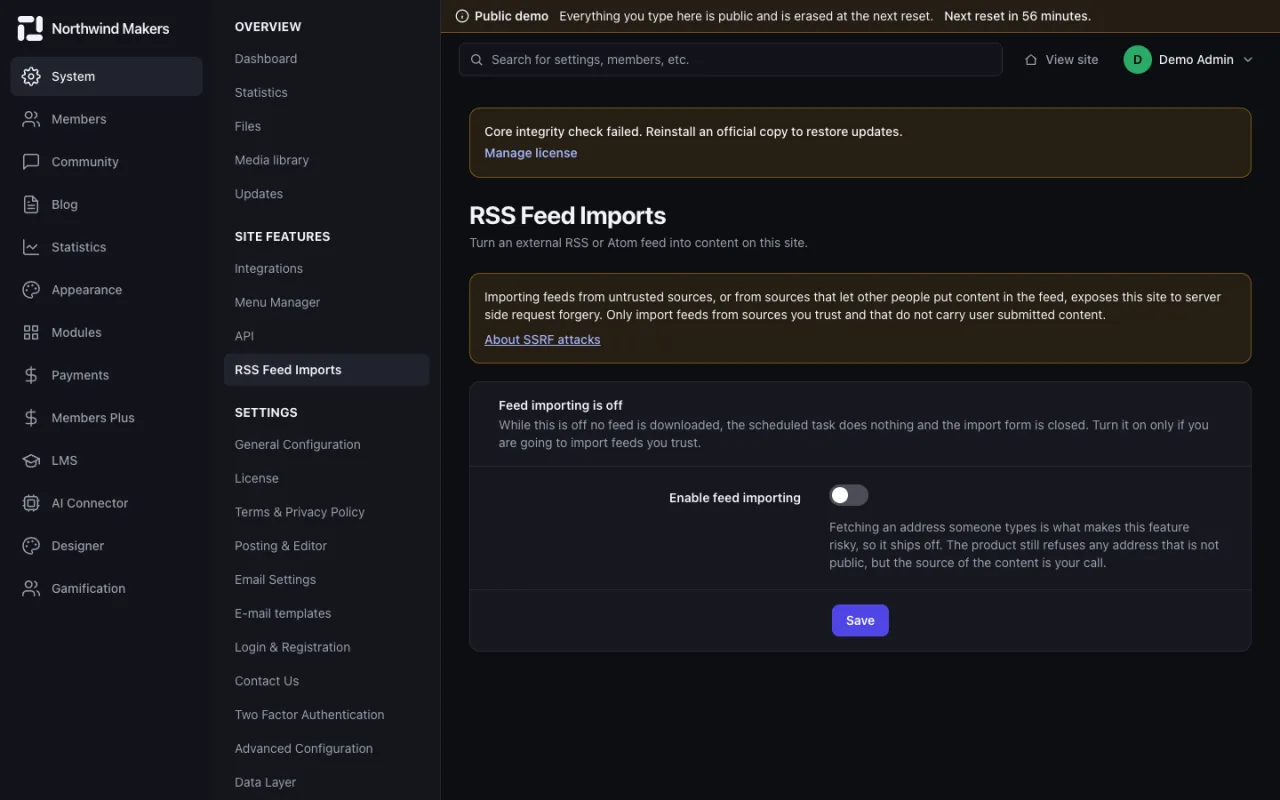
  • /admin/rss-imports
    Screenshot of RSS imports in the Bondry demo

    RSS imports

    Admin

    Bring external feeds into the blog or the forum on a schedule.

Payments and memberships

The payment gateways of the core and the Members Plus module: plans, subscribers, paywall and coupons.

  • /admin/payments/settings
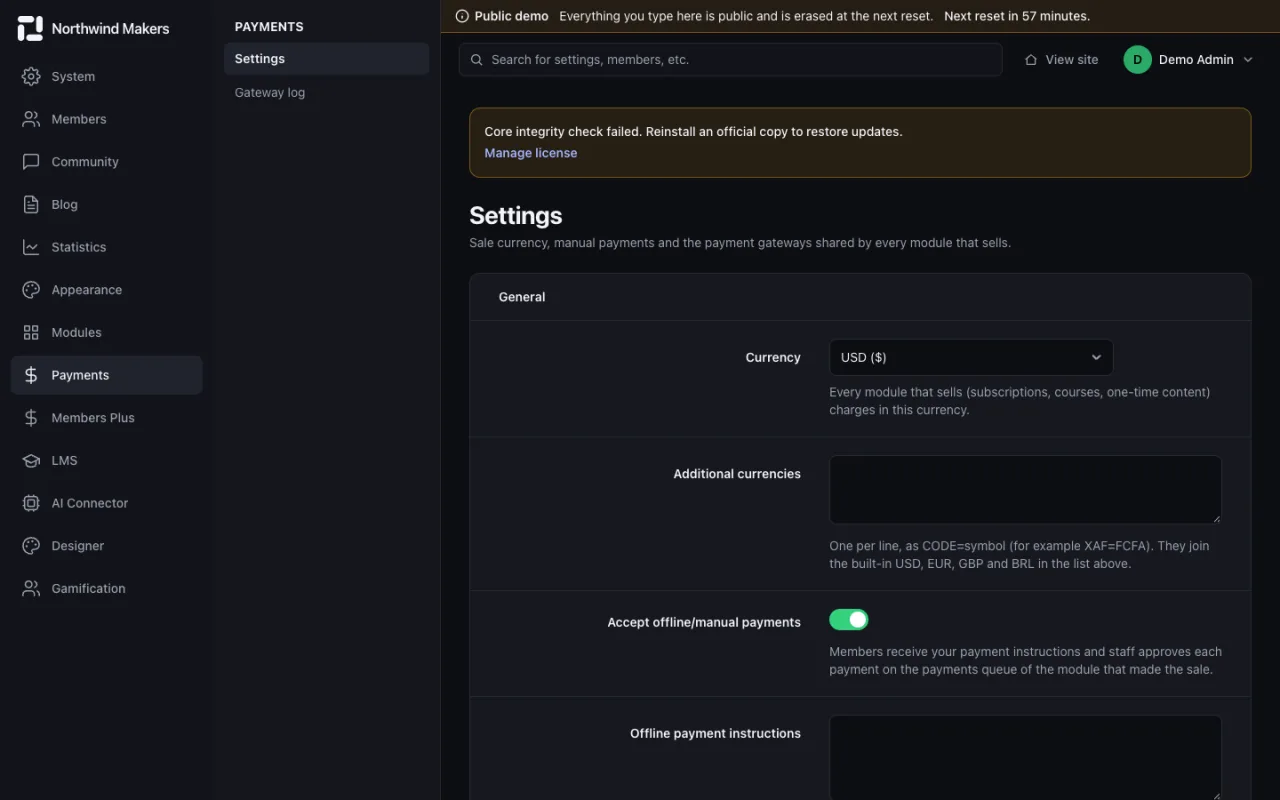
    Screenshot of Payment settings in the Bondry demo

    Payment settings

    Admin

    Currency, taxes and the gateways available at checkout, such as Stripe, PayPal, Mercado Pago and Asaas.

  • /admin/payments/log
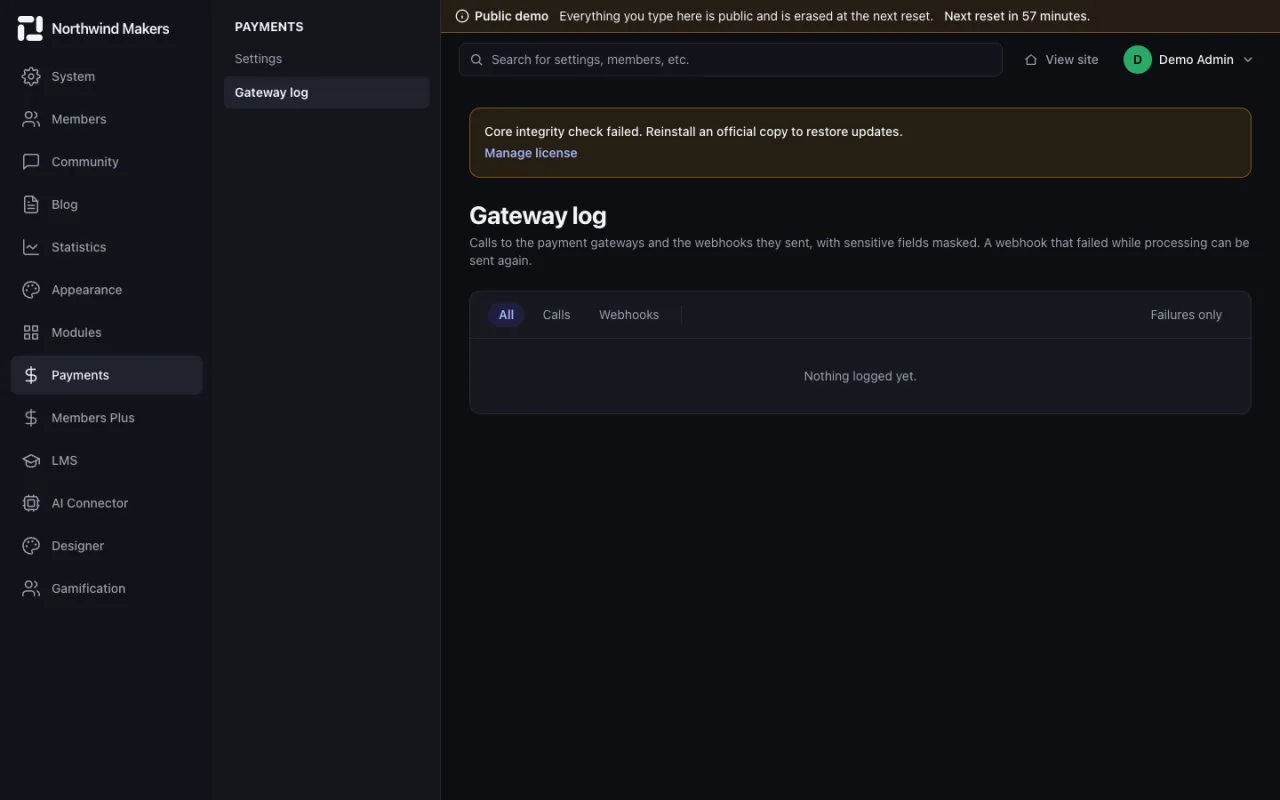
    Screenshot of Payment log in the Bondry demo

    Payment log

    Admin

    Every payment attempt and its result.

  • /admin/membersplus/plans
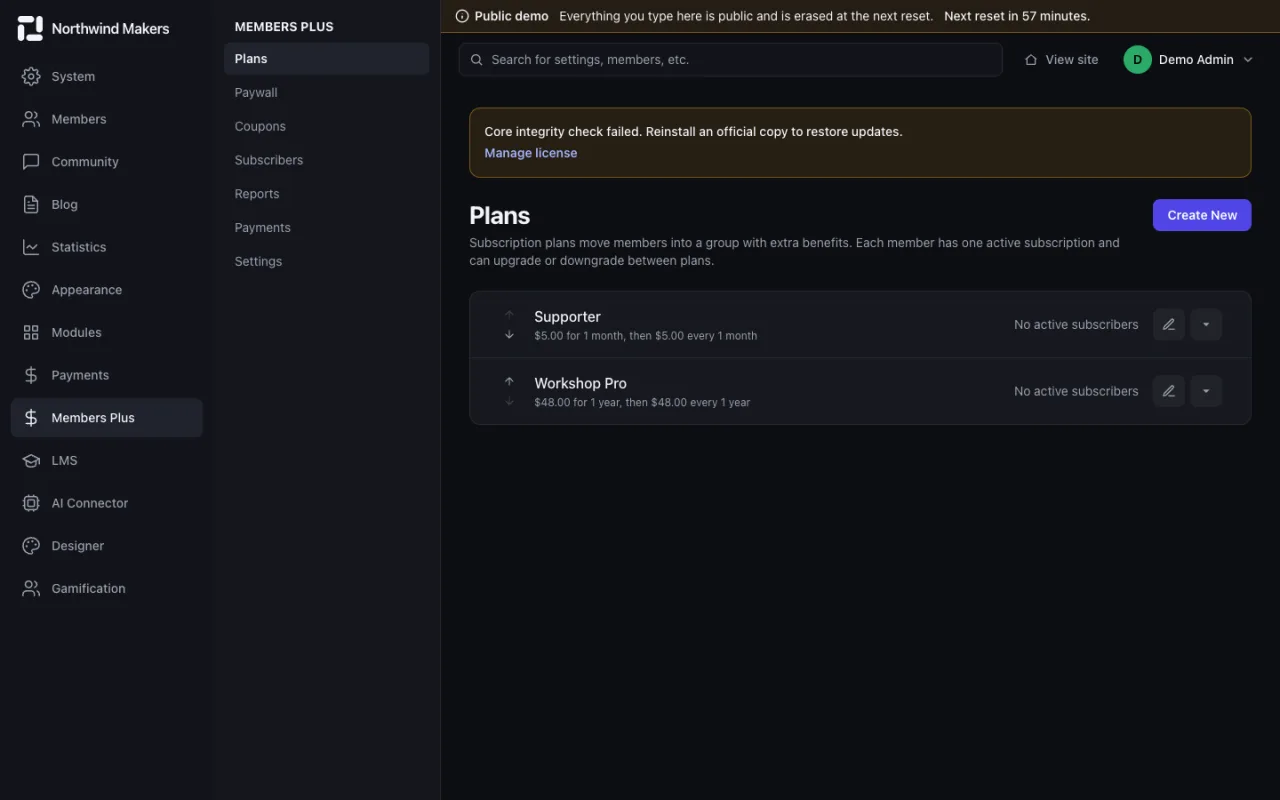
    Screenshot of Membership plans in the Bondry demo

    Membership plans

    Admin

    Create plans with price, period and the access they grant.

  • /admin/membersplus/subscribers
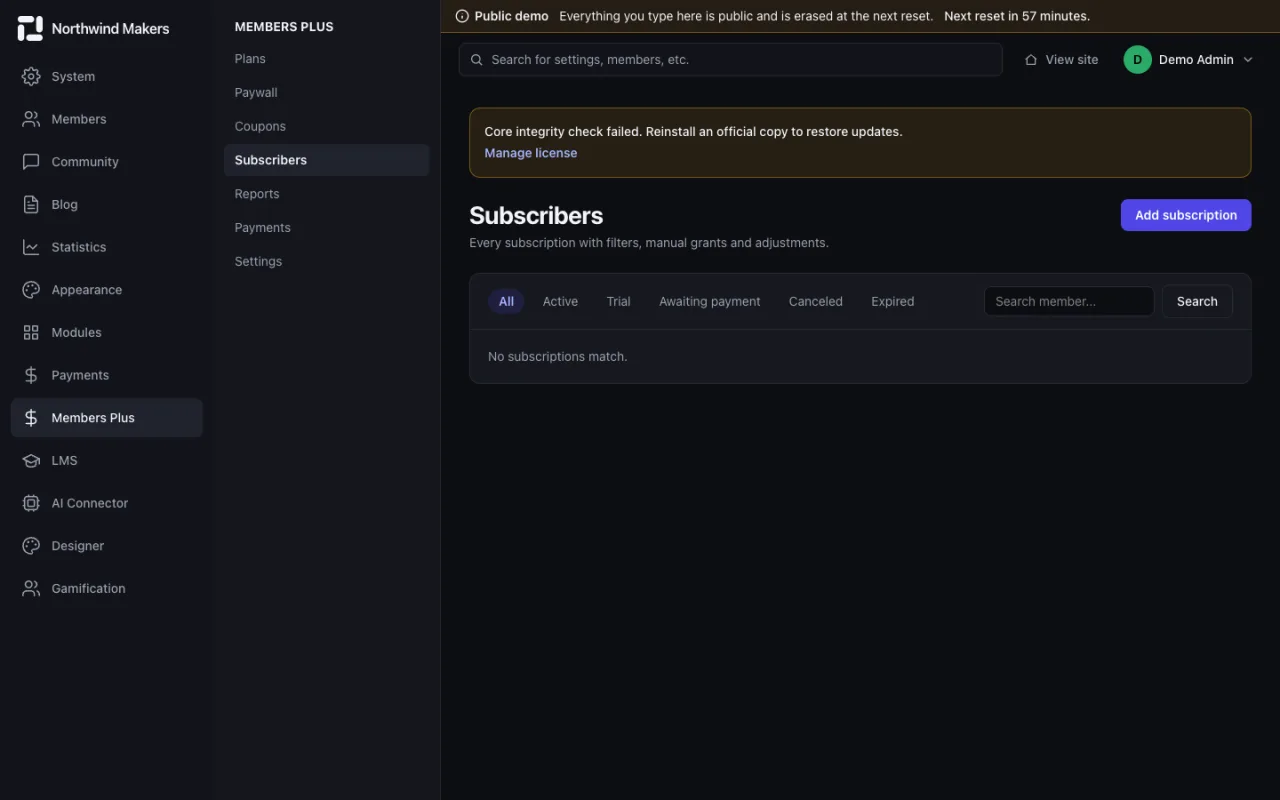
    Screenshot of Subscribers in the Bondry demo

    Subscribers

    Admin

    Who is subscribed, to which plan and until when.

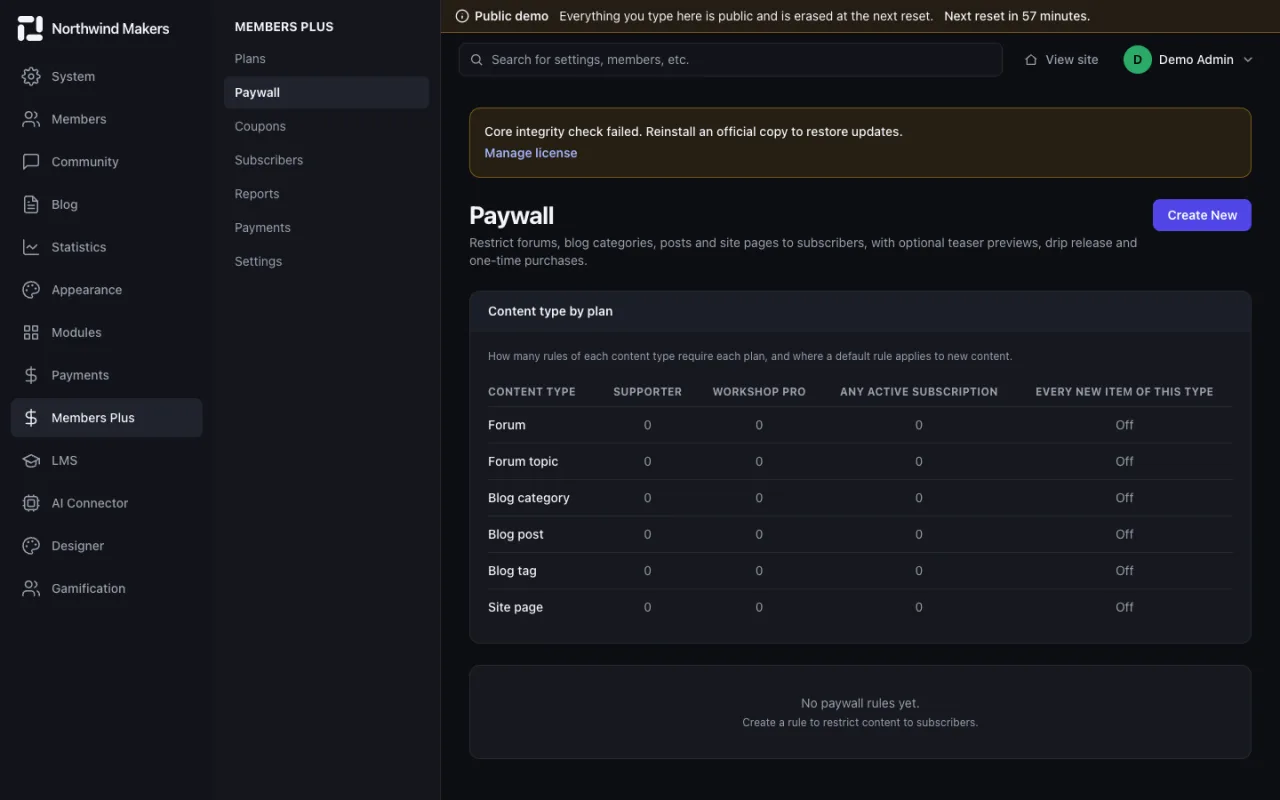
  • /admin/membersplus/paywall
    Screenshot of Paywall rules in the Bondry demo

    Paywall rules

    Admin

    Restrict content by plan and choose what non-subscribers see.

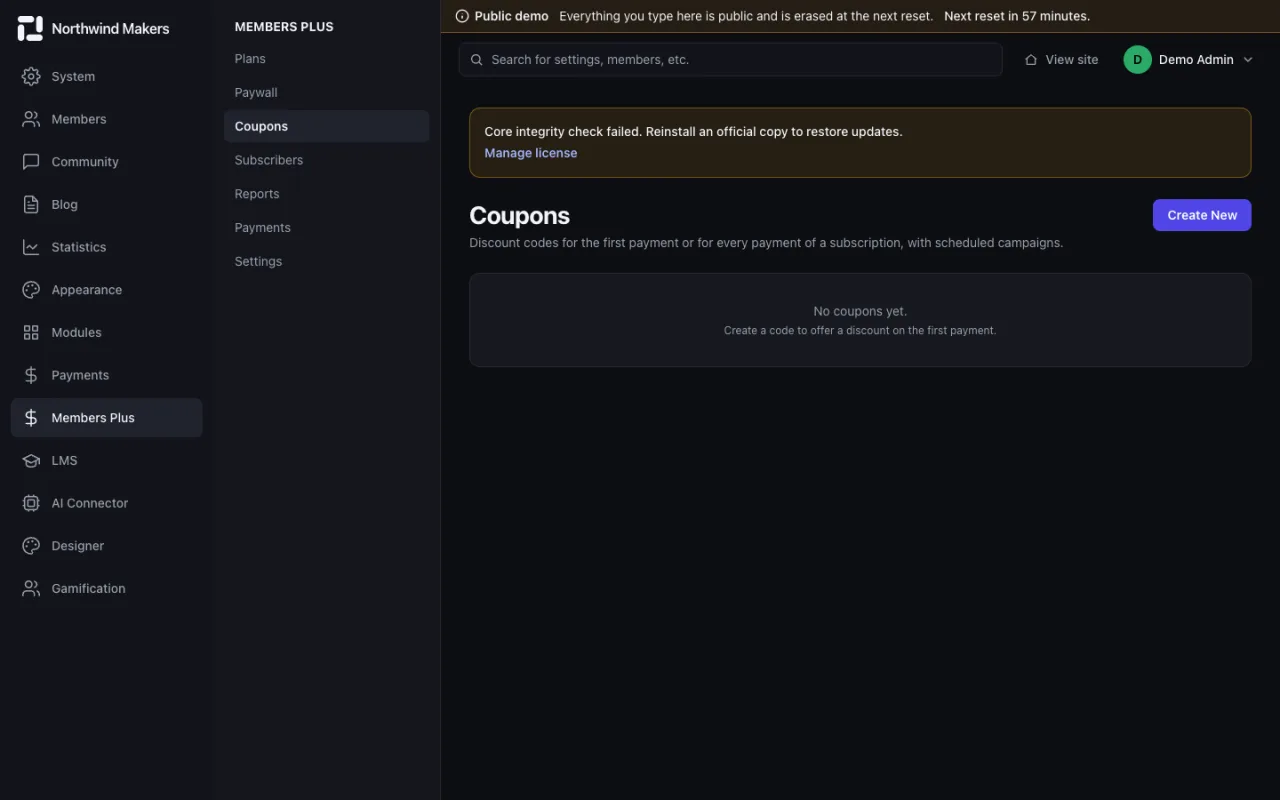
  • /admin/membersplus/coupons
    Screenshot of Membership coupons in the Bondry demo

    Membership coupons

    Admin

    Discount codes with limits and expiry dates.

Courses (LMS)

Sell and run courses: catalog, enrollments, exams, orders and instructor payouts.
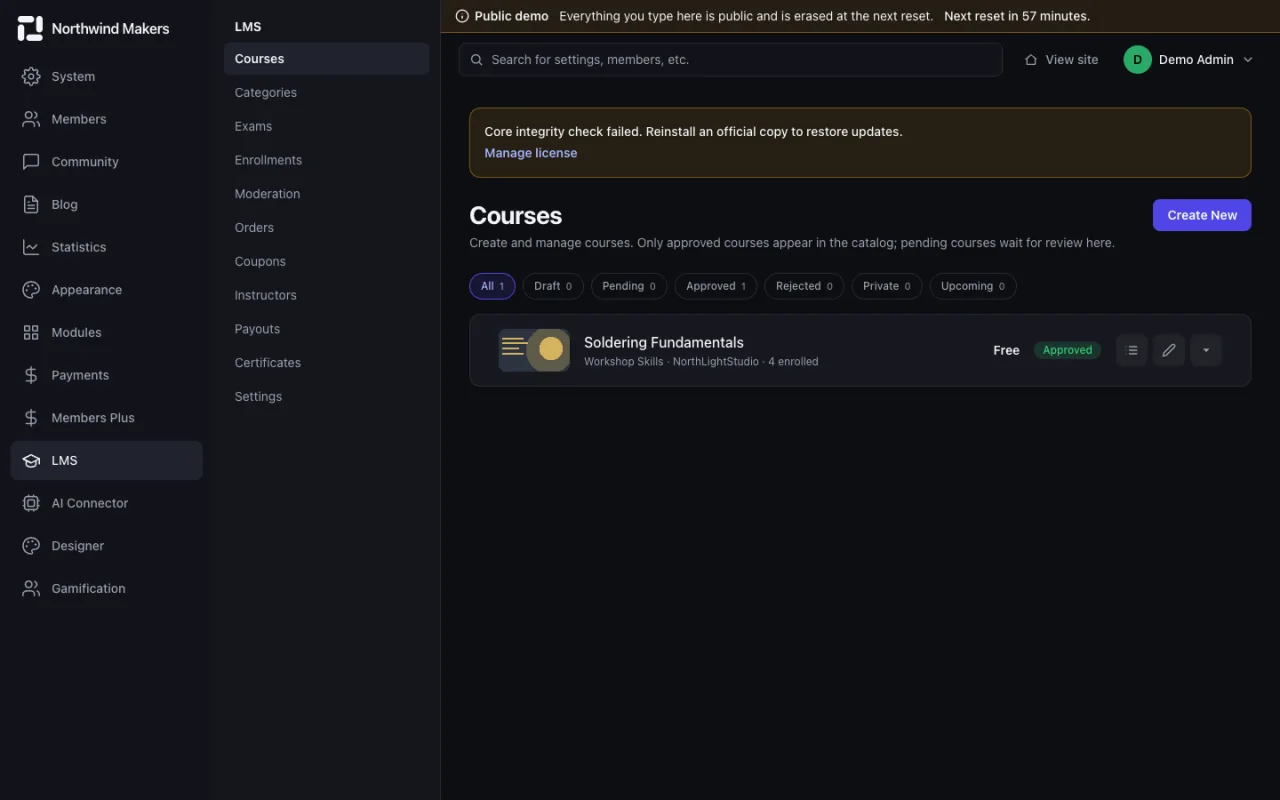
  • /admin/lms/courses
    Screenshot of Courses in the Bondry demo

    Courses

    Admin

    Build courses with modules and lessons, and set price and access.

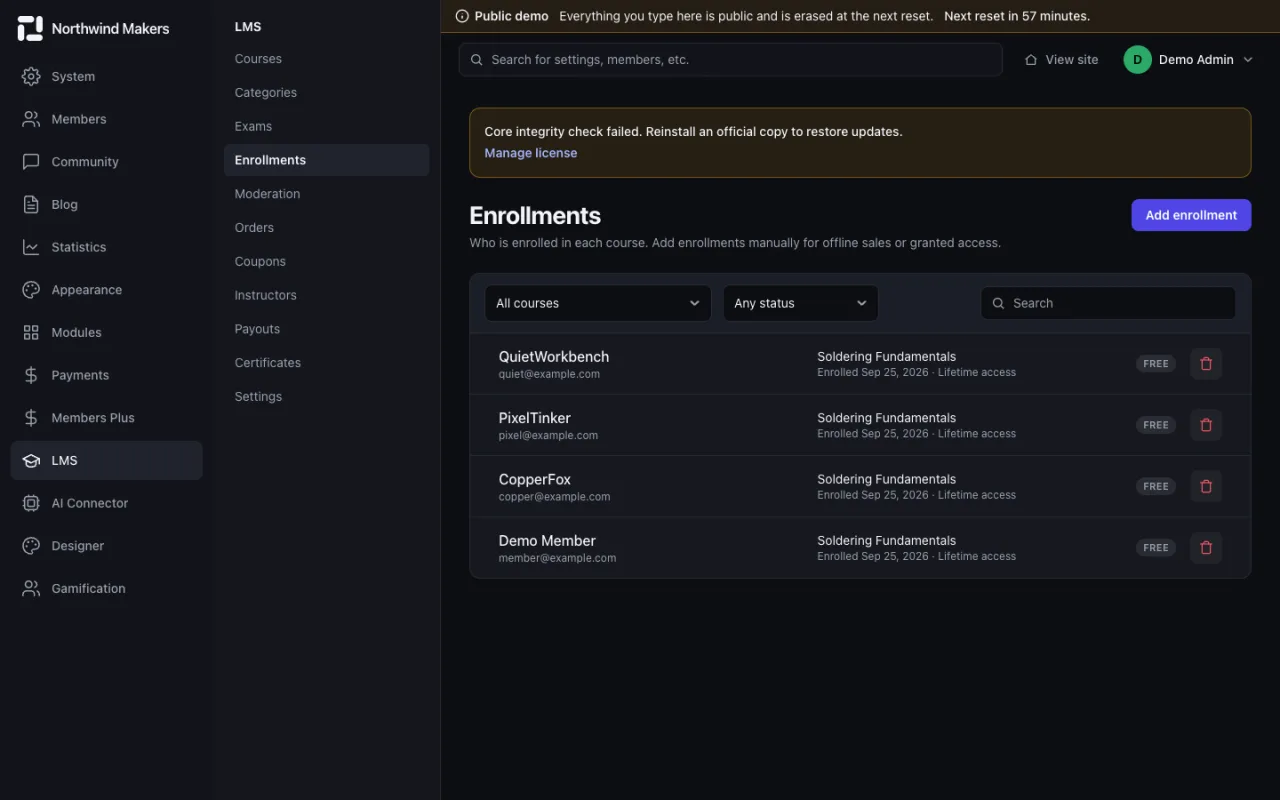
  • /admin/lms/enrollments
    Screenshot of Enrollments in the Bondry demo

    Enrollments

    Admin

    Students per course, with progress and status.

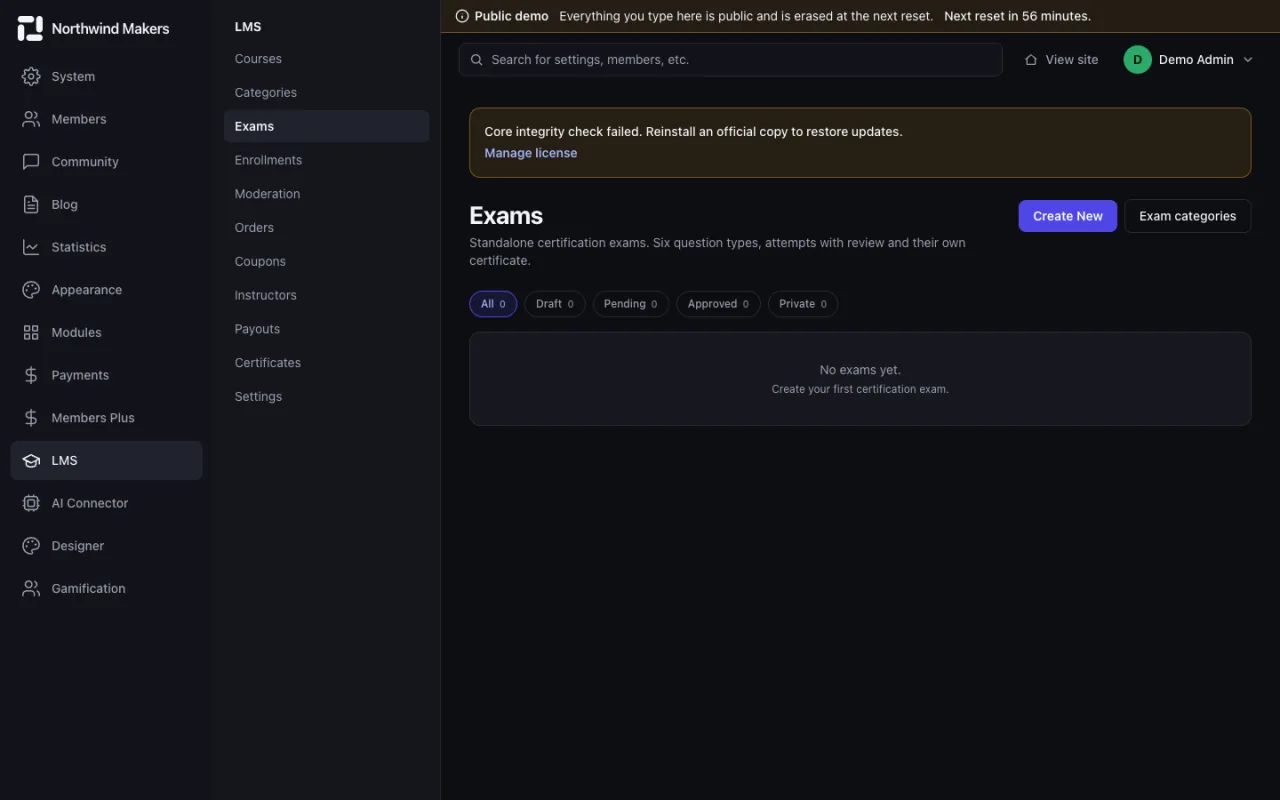
  • /admin/lms/exams
    Screenshot of Exams in the Bondry demo

    Exams

    Admin

    Question banks and exams with passing scores.

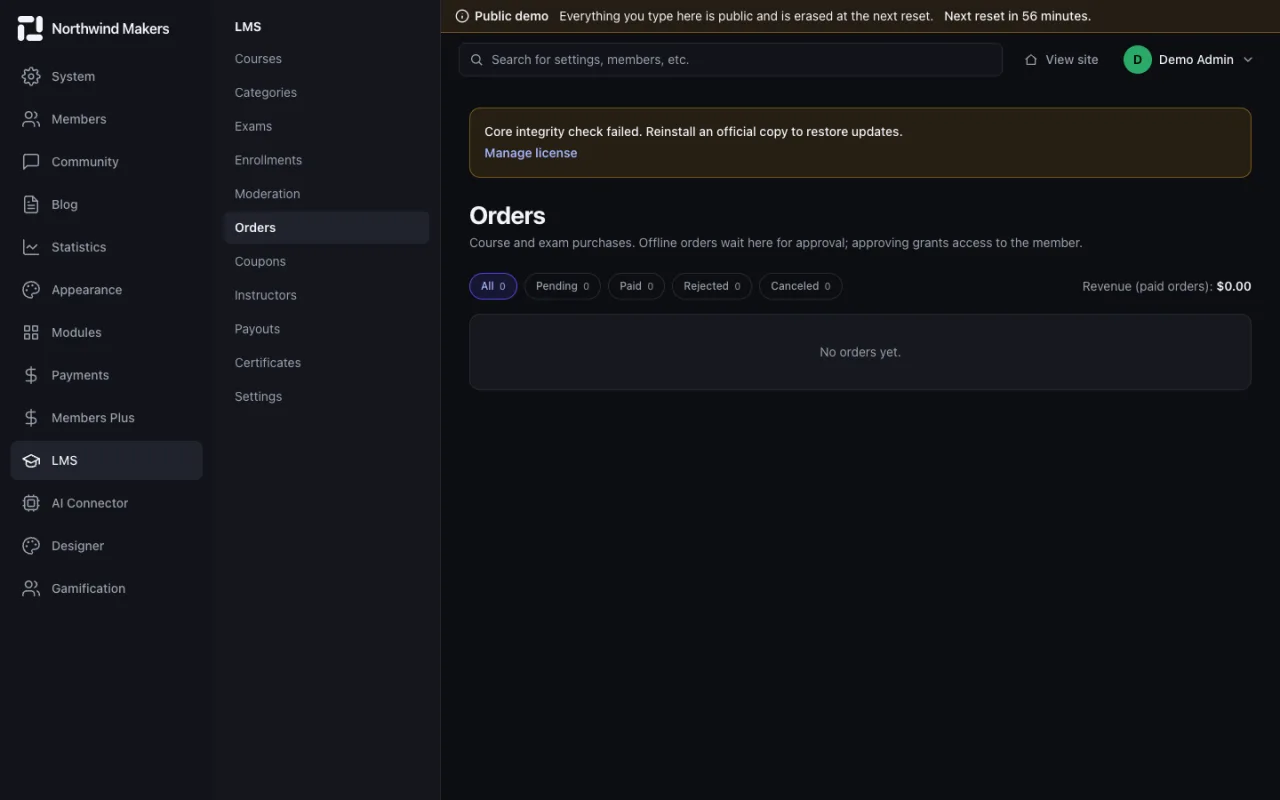
  • /admin/lms/orders
    Screenshot of Course orders in the Bondry demo

    Course orders

    Admin

    Orders and their payment status.

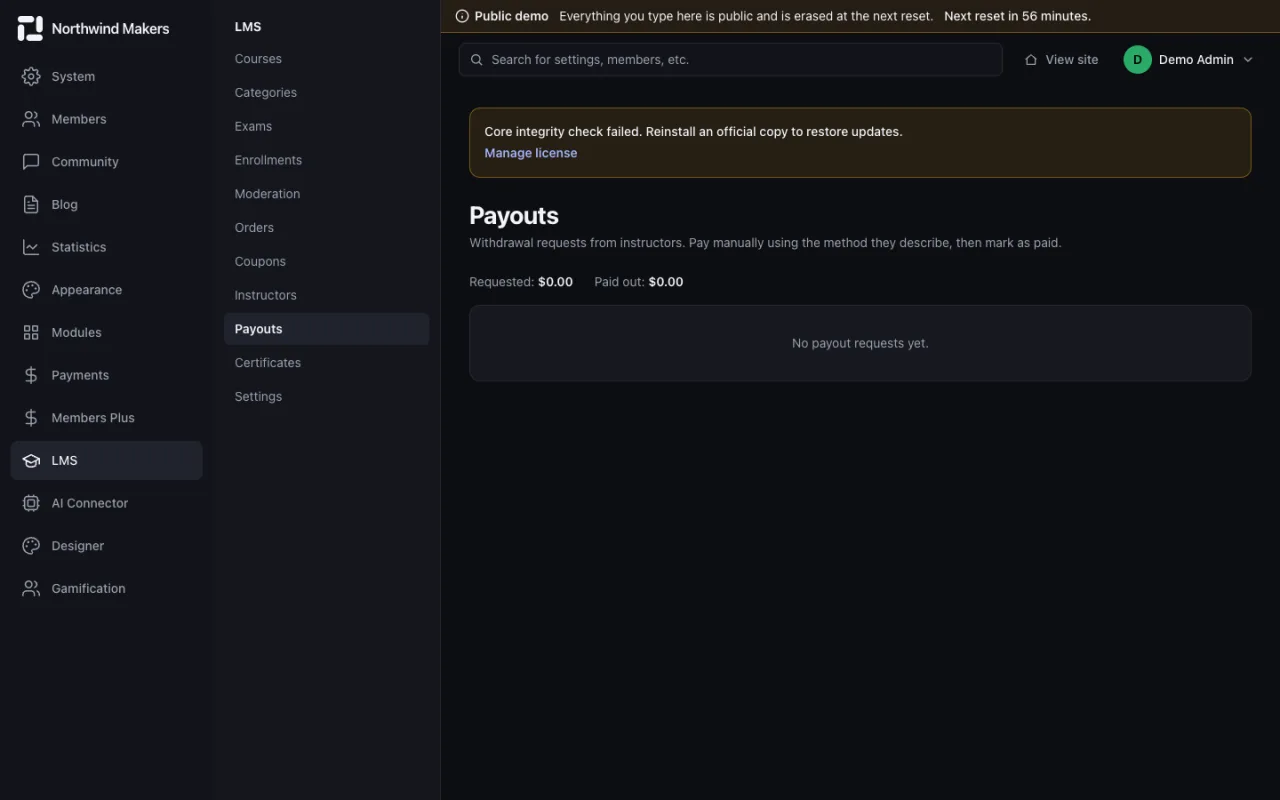
  • /admin/lms/payouts
    Screenshot of Instructor payouts in the Bondry demo

    Instructor payouts

    Admin

    Earnings and payouts for each instructor.

Designer

The visual builder for pages, popups and templates.
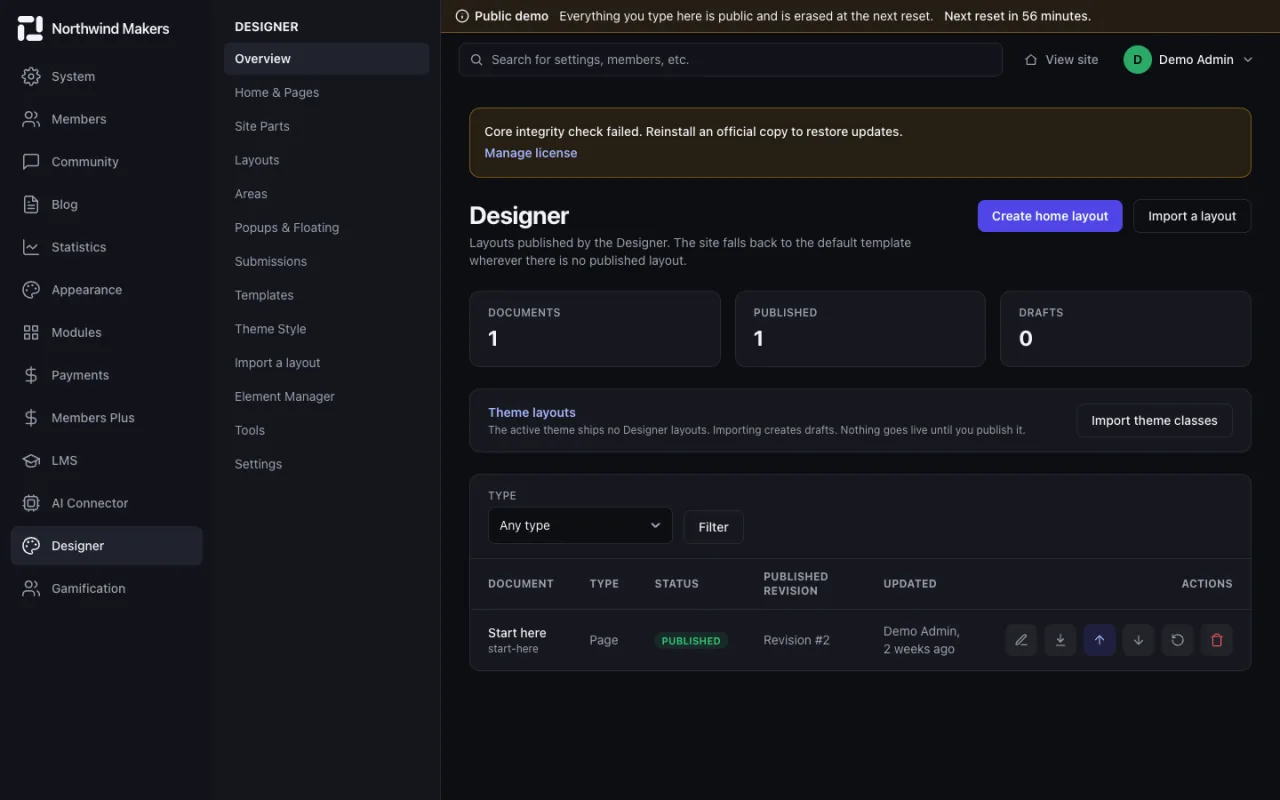
  • /admin/designer
    Screenshot of Designer overview in the Bondry demo

    Designer overview

    Admin

    Pages, site parts, layouts and popups in one place.

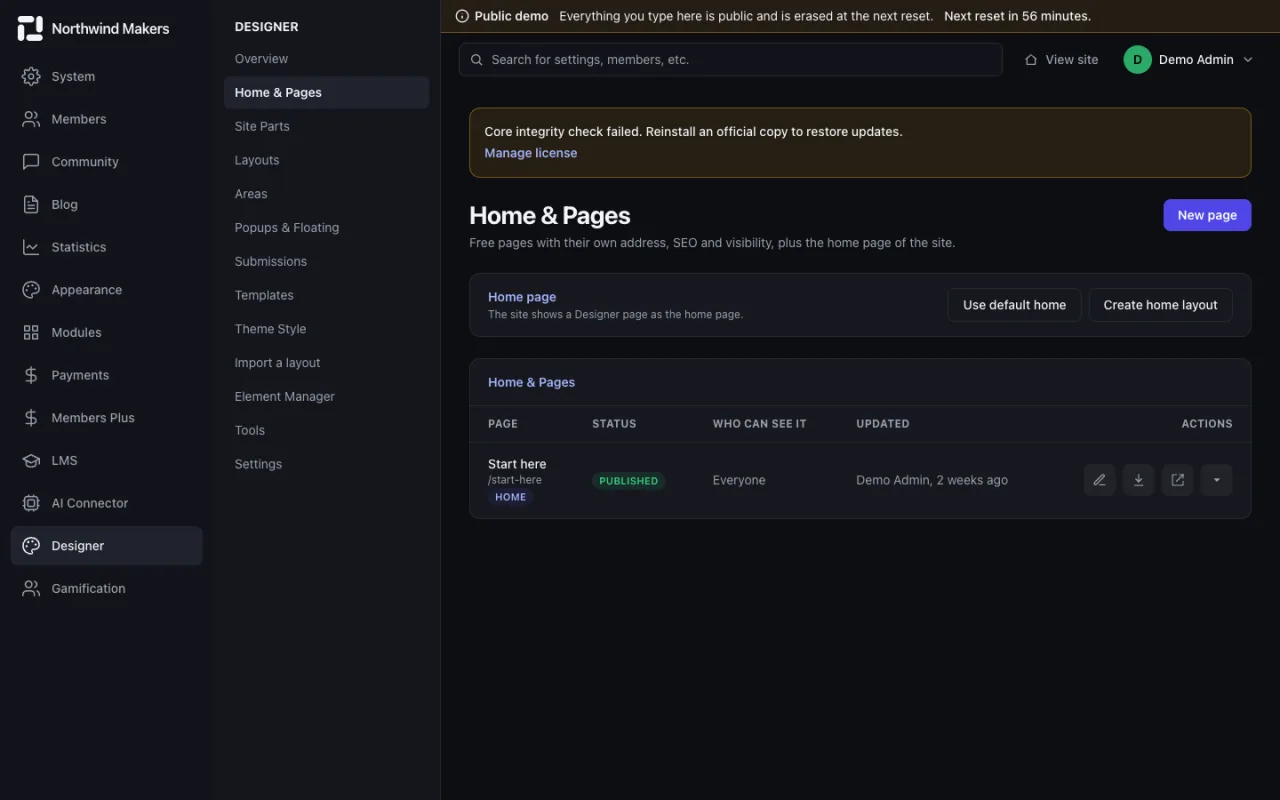
  • /admin/designer/pages
    Screenshot of Designer pages in the Bondry demo

    Designer pages

    Admin

    Pages built visually and published to the site.

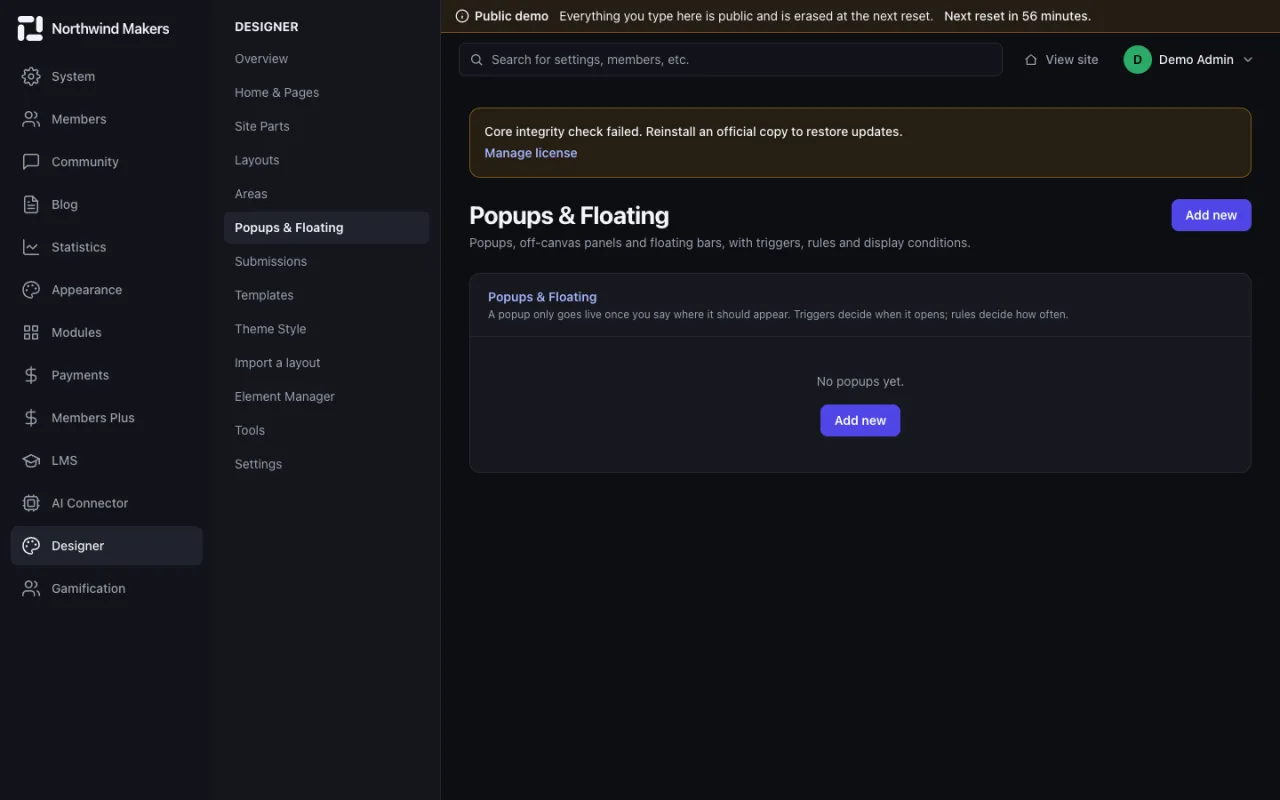
  • /admin/designer/popups
    Screenshot of Popups in the Bondry demo

    Popups

    Admin

    Popups with triggers and display rules.

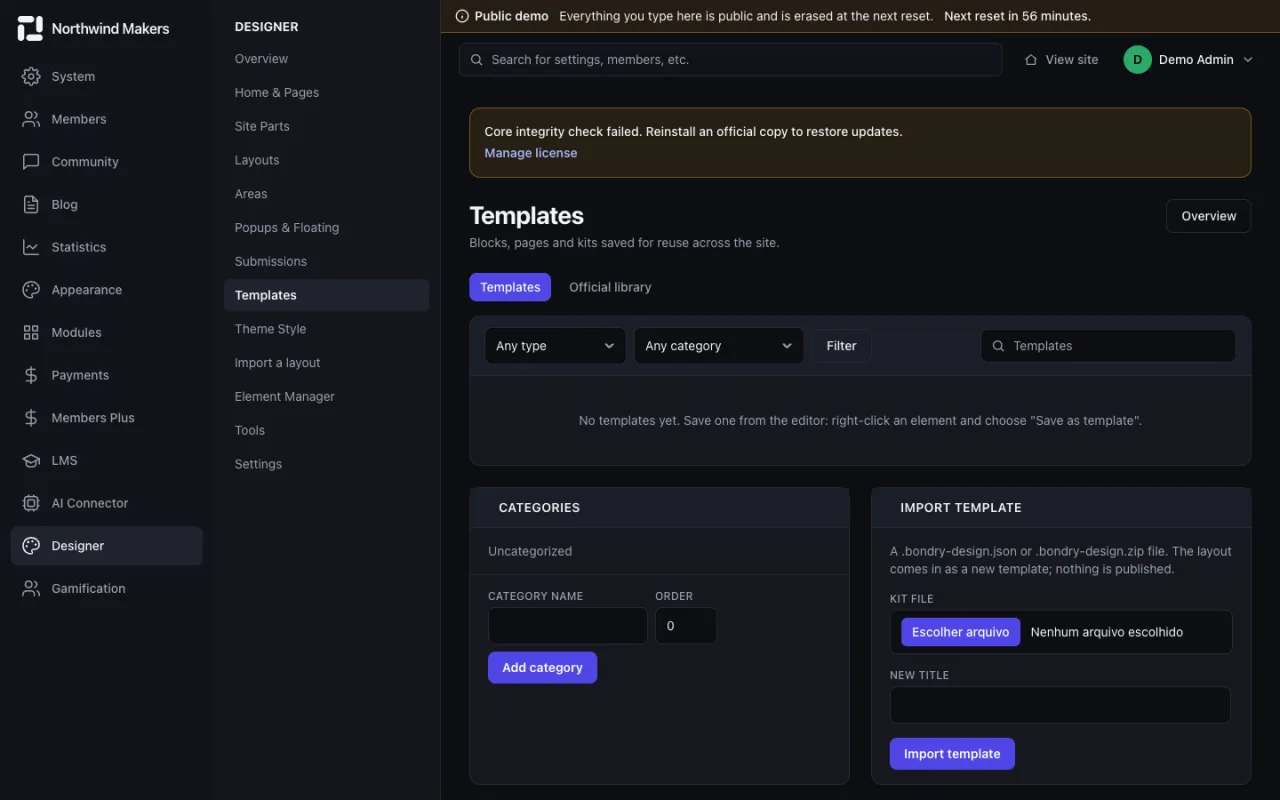
  • /admin/designer/templates
    Screenshot of Templates in the Bondry demo

    Templates

    Admin

    Ready-made designs to start from or reuse.

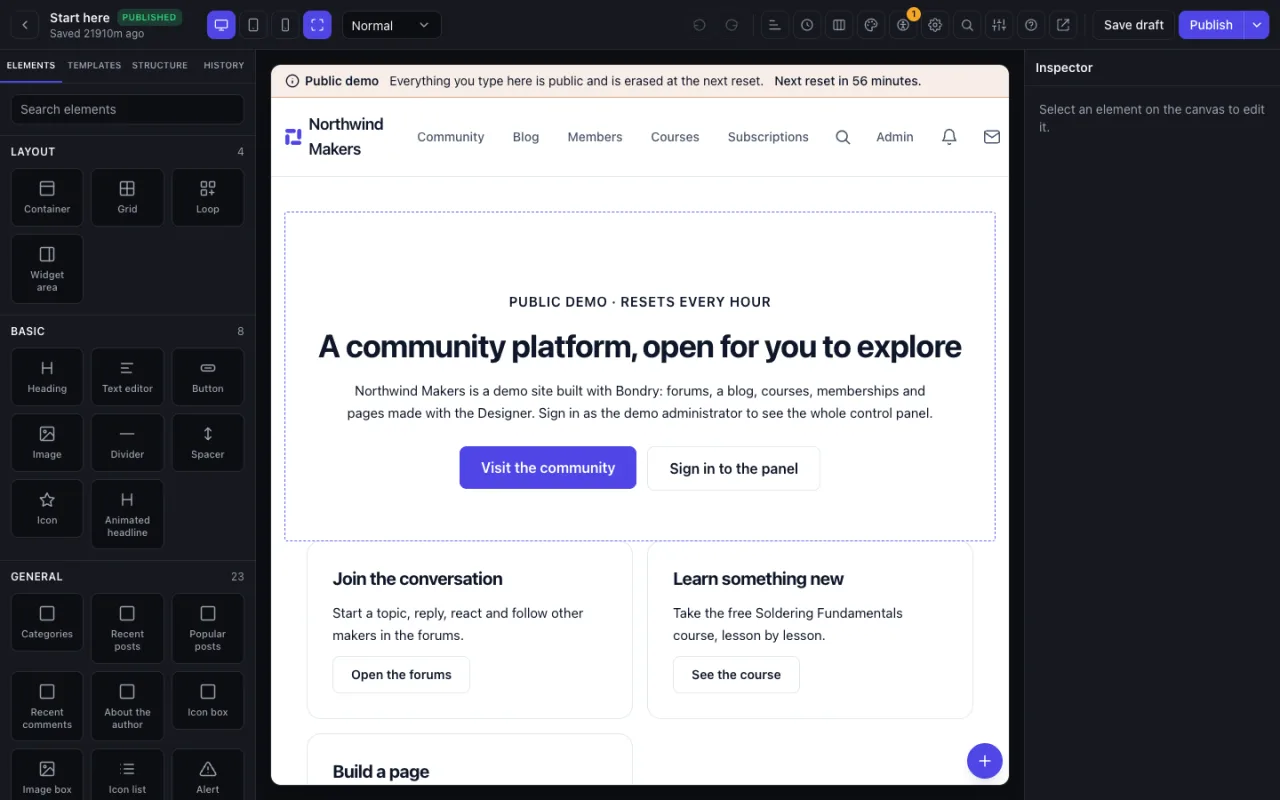
  • /admin/designer/1/edit
    Screenshot of Visual editor in the Bondry demo

    Visual editor

    Admin

    Drag and drop elements on the canvas and adjust their style.

Gamification

Points, ranks and badges that reward participation.
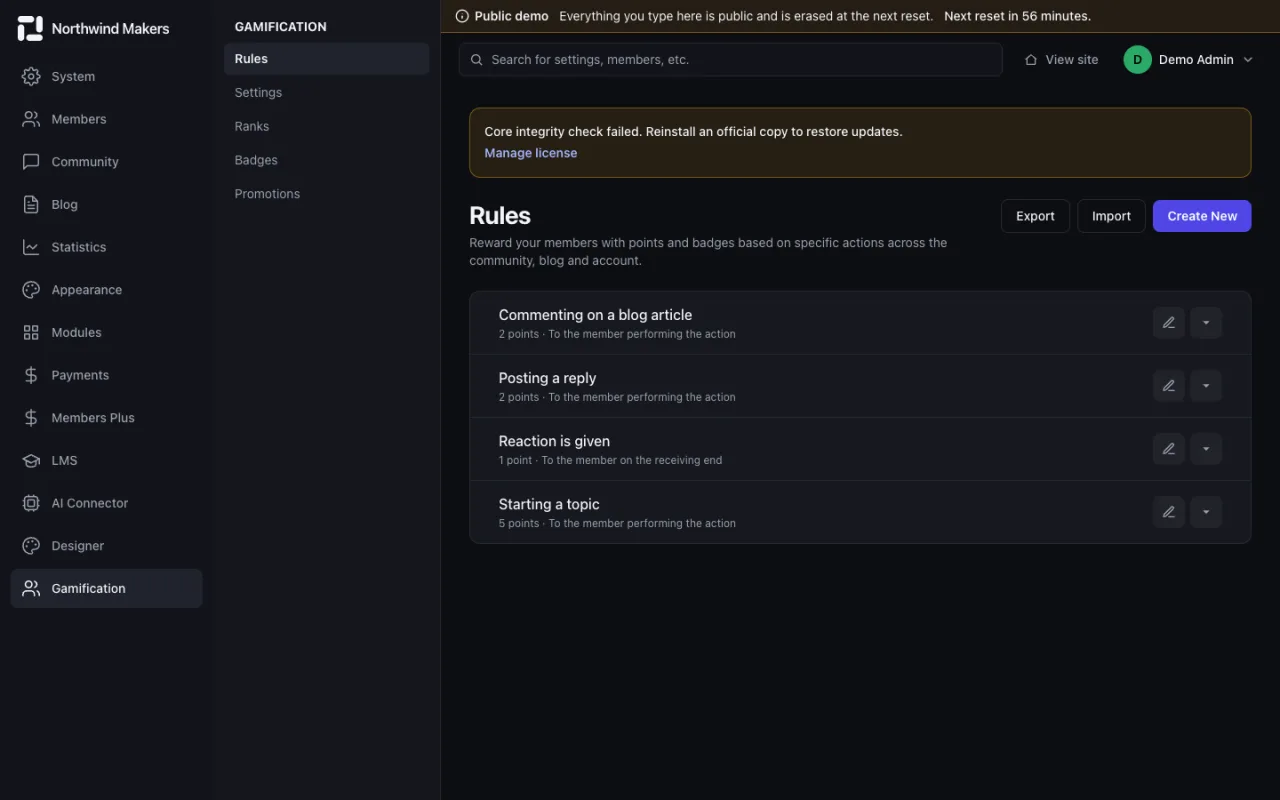
  • /admin/gamification/rules
    Screenshot of Point rules in the Bondry demo

    Point rules

    Admin

    Define which actions earn points and how many.

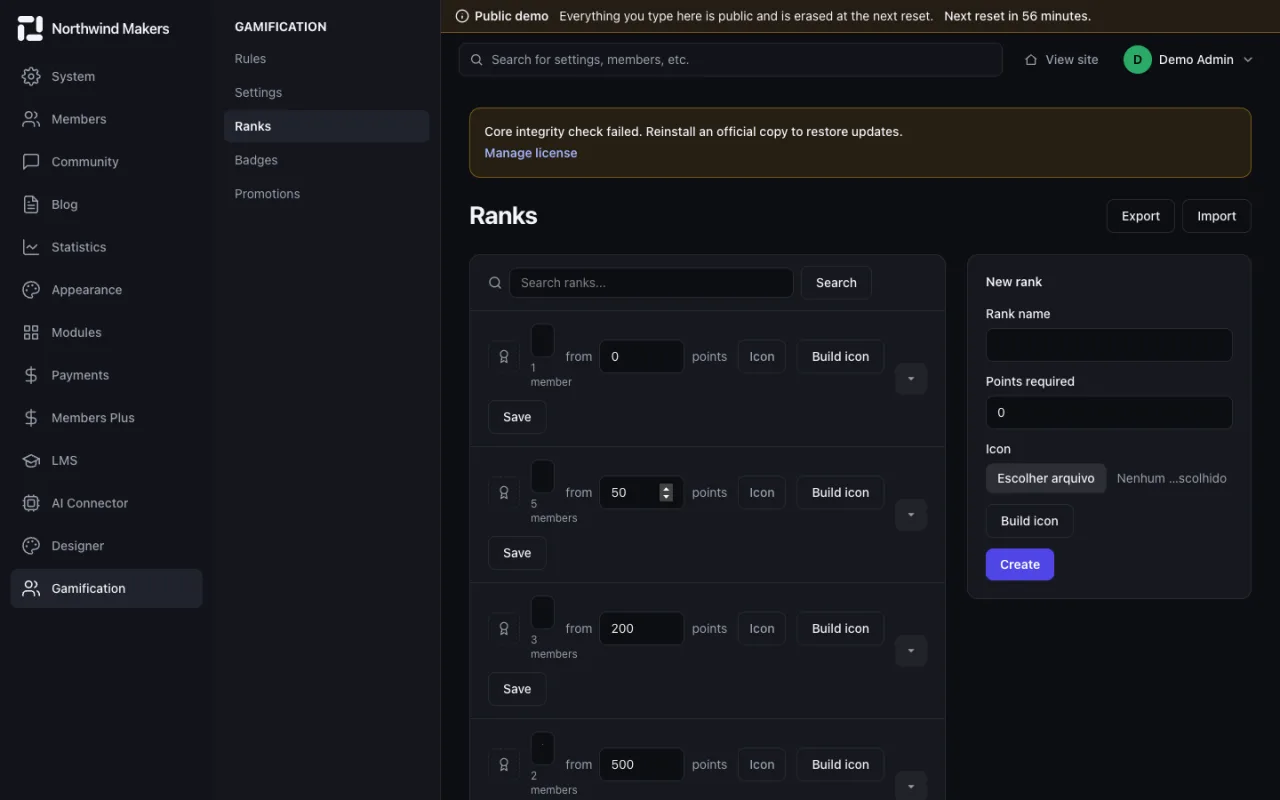
  • /admin/gamification/ranks
    Screenshot of Ranks in the Bondry demo

    Ranks

    Admin

    Levels members reach as their points grow.

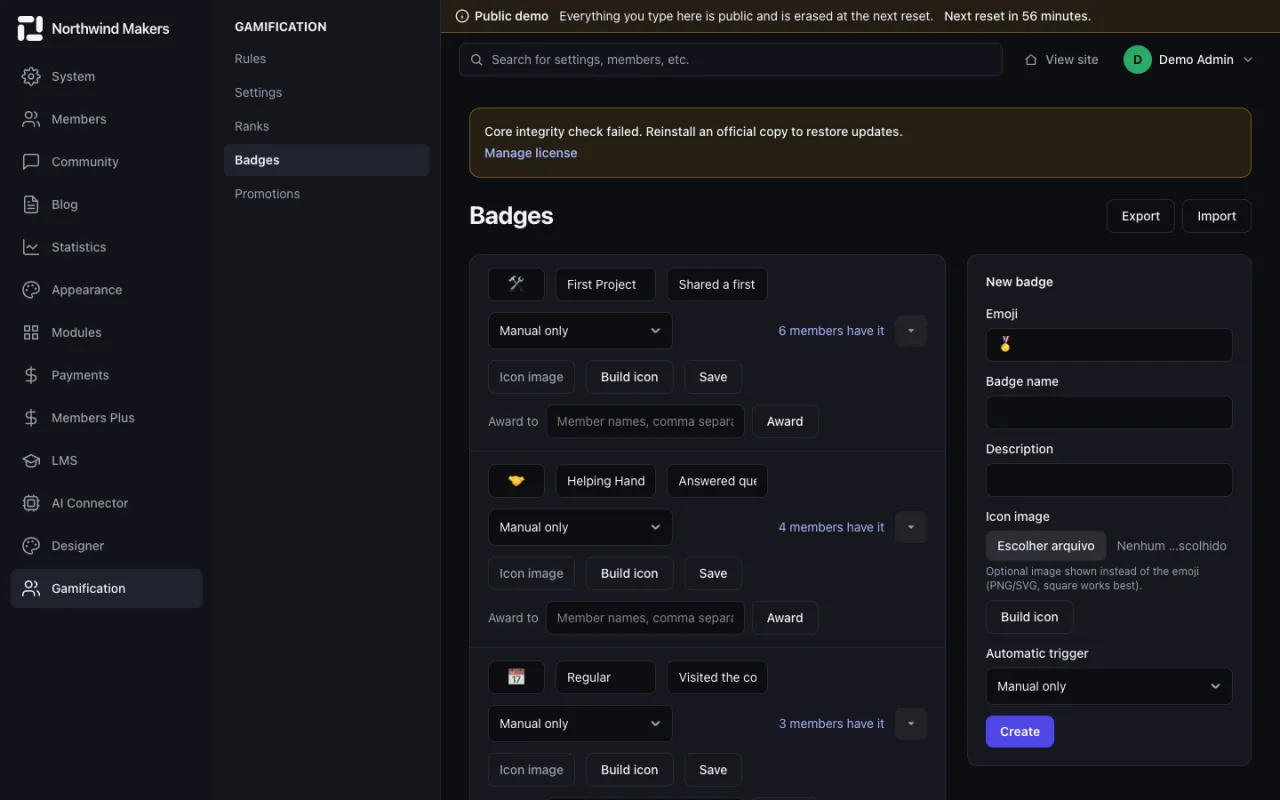
  • /admin/gamification/badges
    Screenshot of Badges in the Bondry demo

    Badges

    Admin

    Badges awarded for achievements, with their conditions.

AI Connector

Access tokens for AI assistants and the log of what they did.

  • /admin/ai-connector/tokens
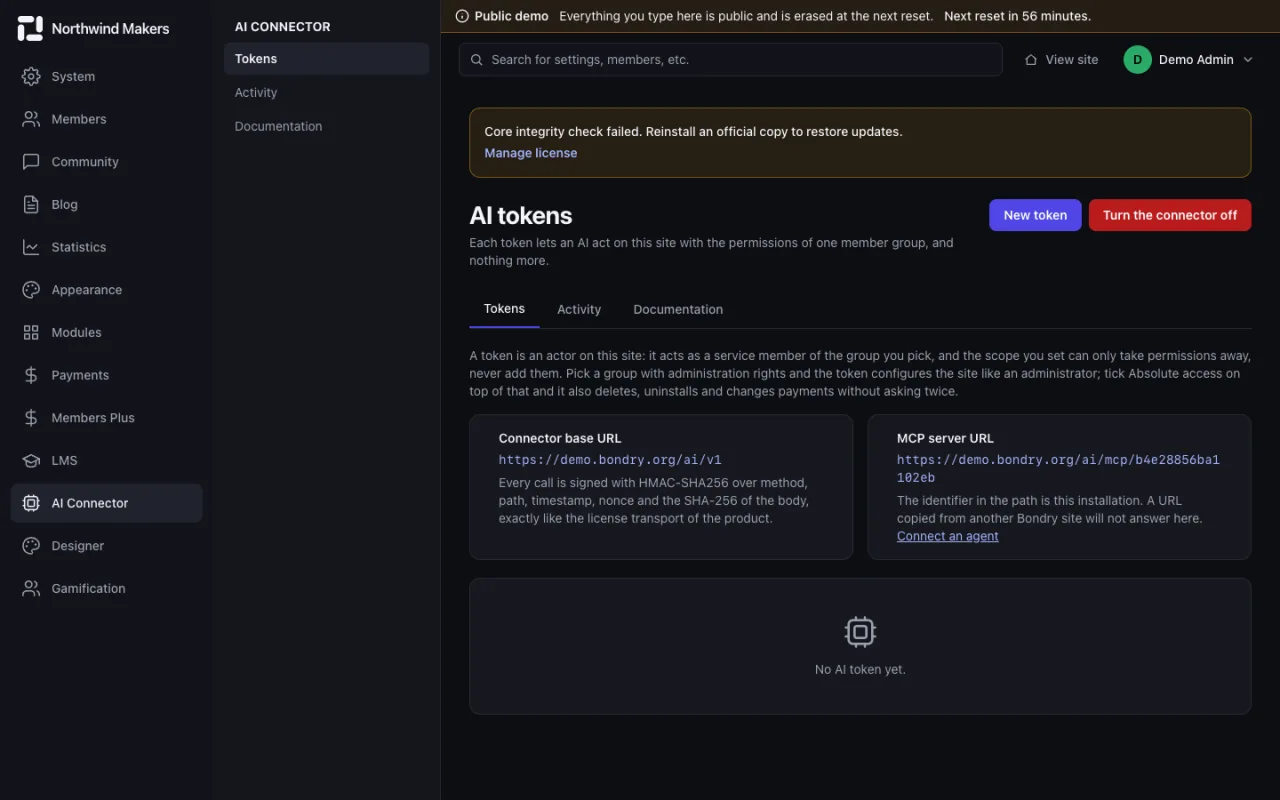
    Screenshot of AI access tokens in the Bondry demo

    AI access tokens

    Admin

    Create tokens that limit what an AI assistant can read and change.

  • /admin/ai-connector/activity
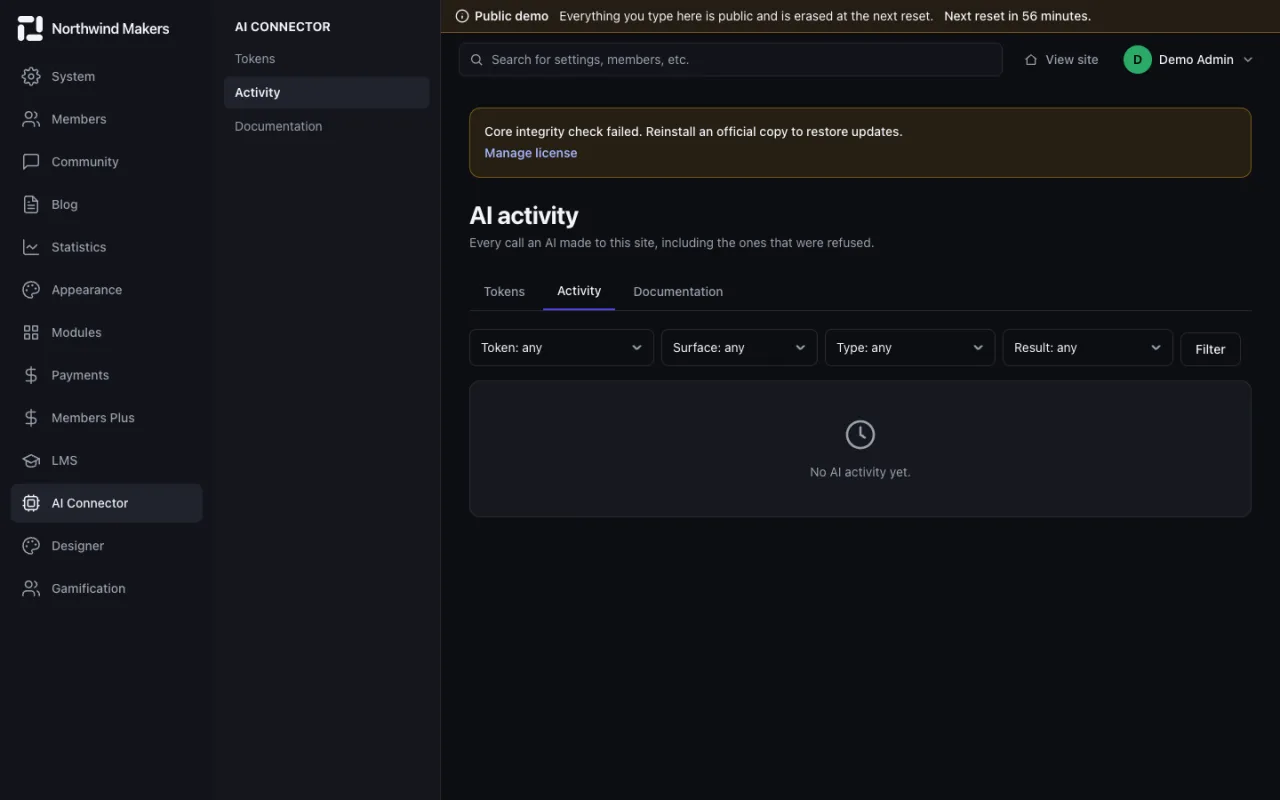
    Screenshot of AI activity log in the Bondry demo

    AI activity log

    Admin

    Every action taken through a token, for review.

Files

The media library and the storage where uploads live.
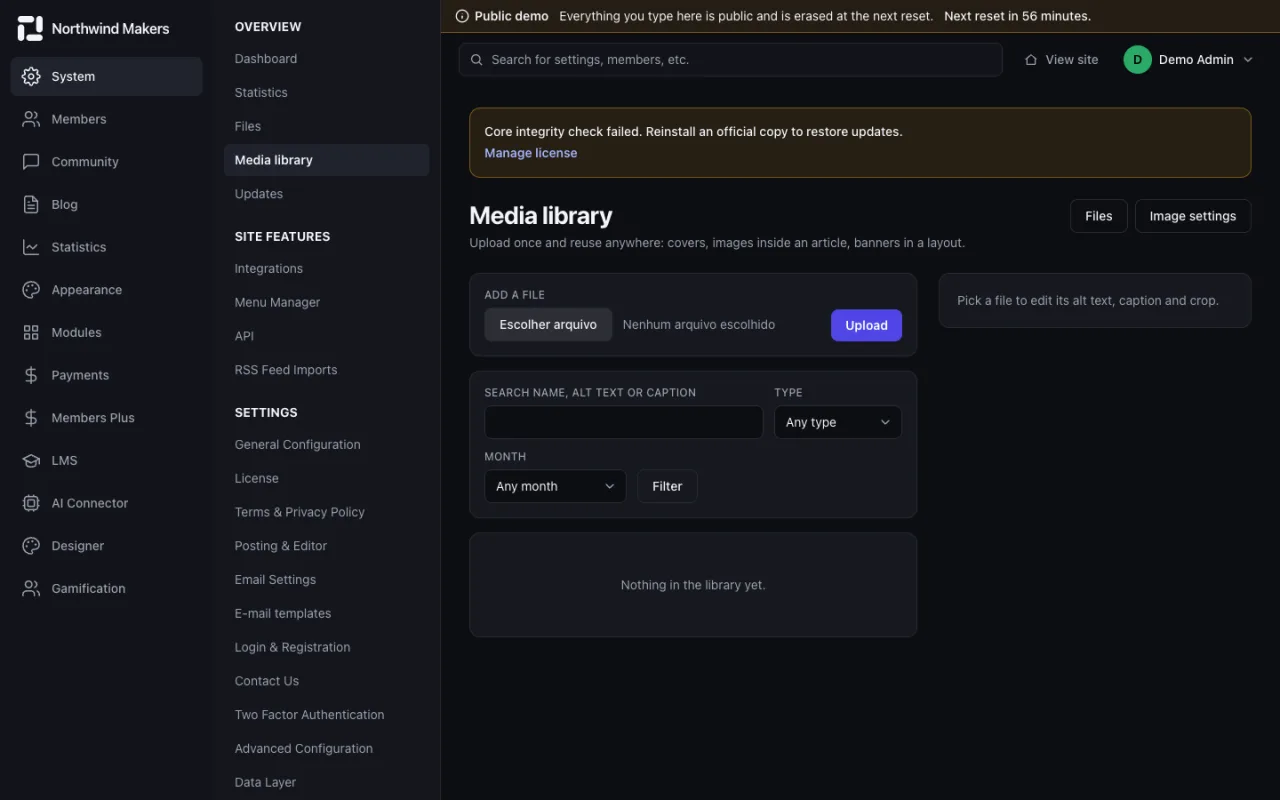
  • /admin/files/media
    Screenshot of Media library in the Bondry demo

    Media library

    Admin

    Images and documents uploaded to the site.

  • /admin/files/storage
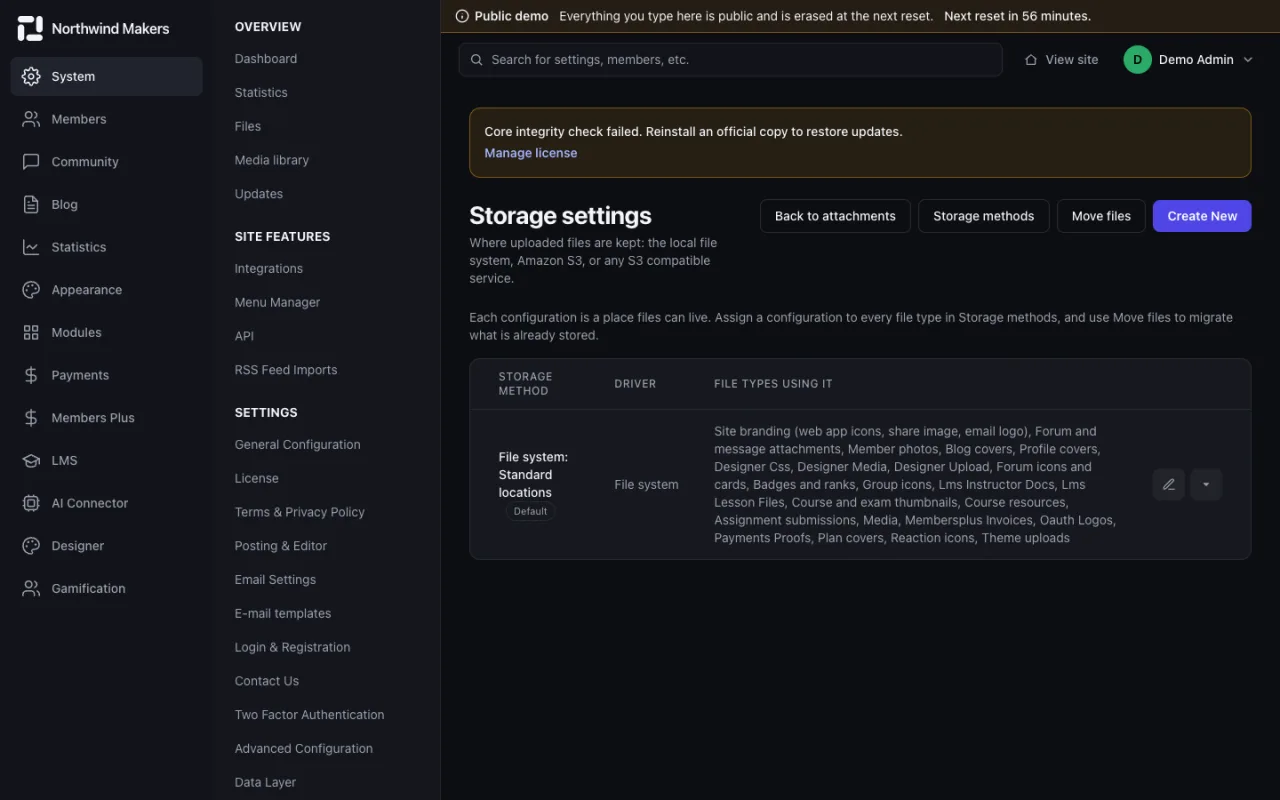
    Screenshot of Storage in the Bondry demo

    Storage

    Admin

    Where files are stored and how much space they use.

Settings

General, email, security, installable web app and SEO settings.

  • /admin/settings
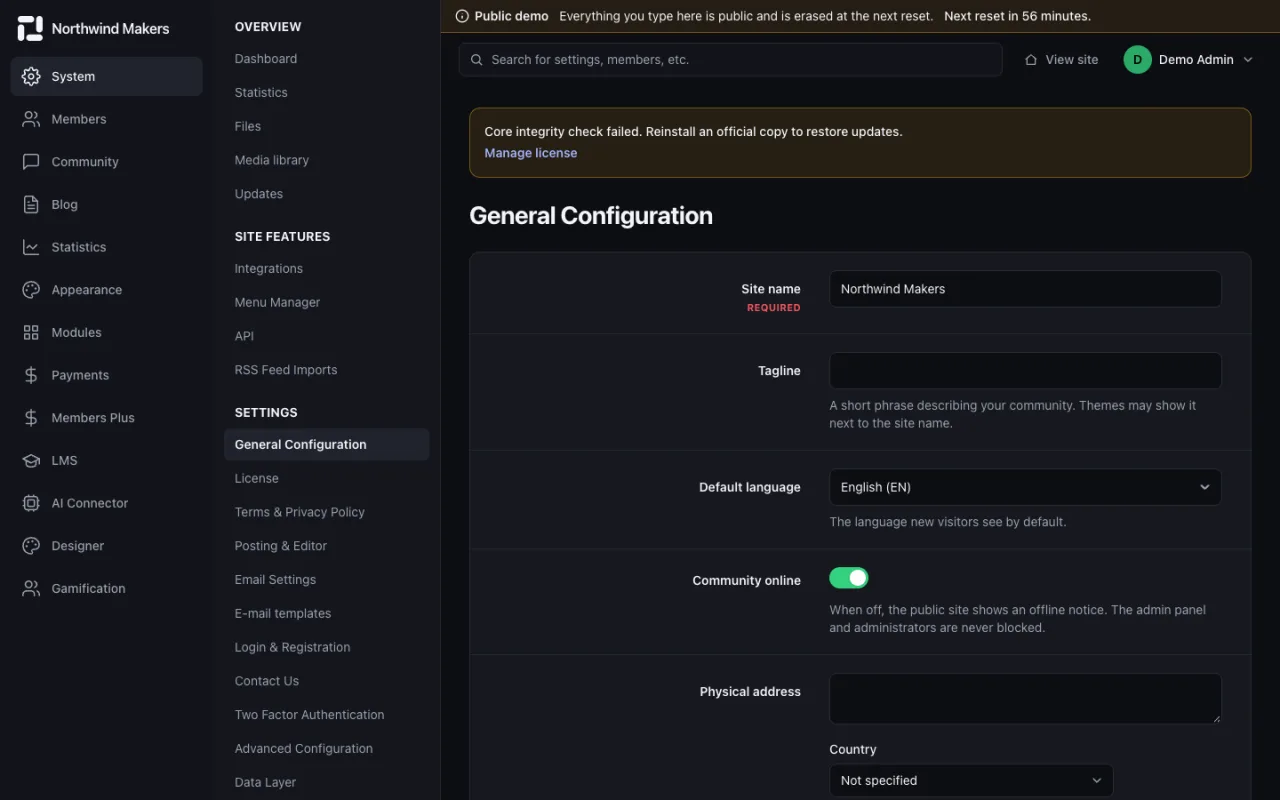
    Screenshot of General settings in the Bondry demo

    General settings

    Admin

    Site name, address, time zone and defaults.

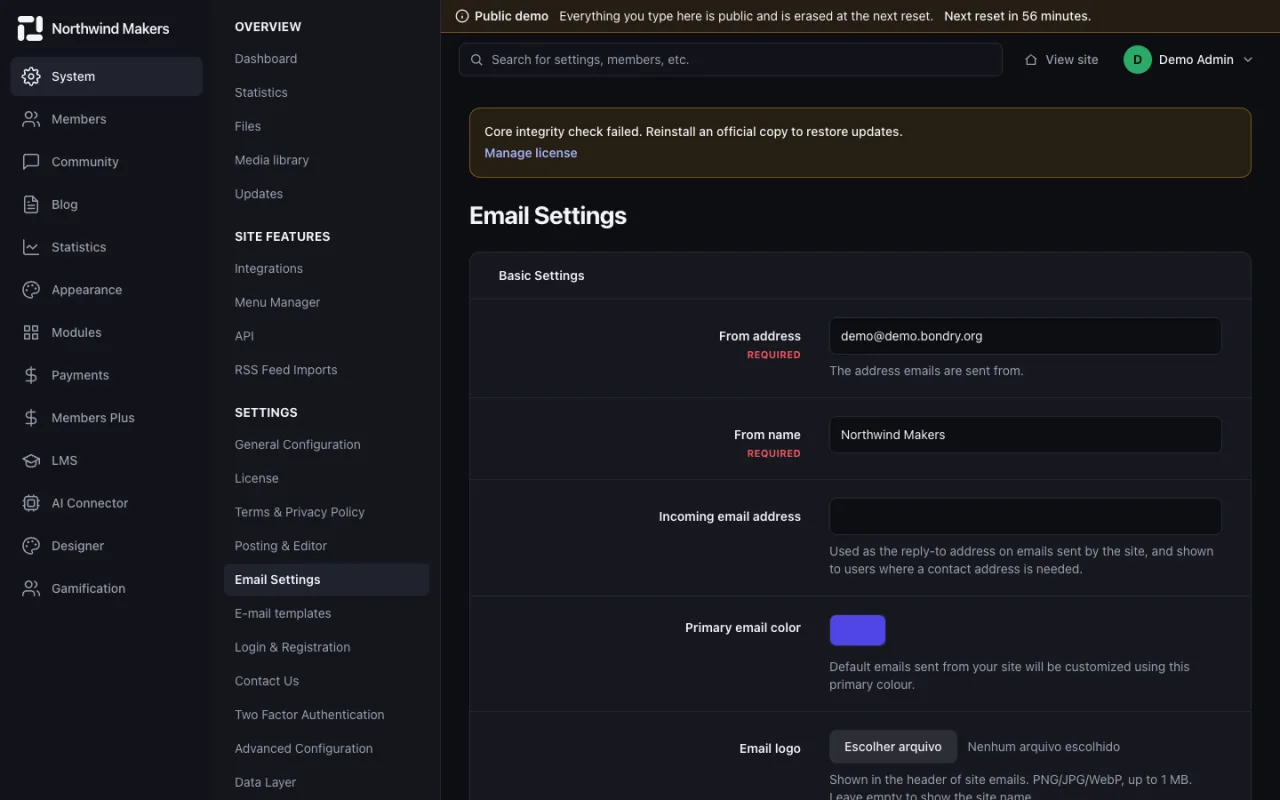
  • /admin/settings/email
    Screenshot of Email settings in the Bondry demo

    Email settings

    Admin

    Sender, delivery method and email templates.

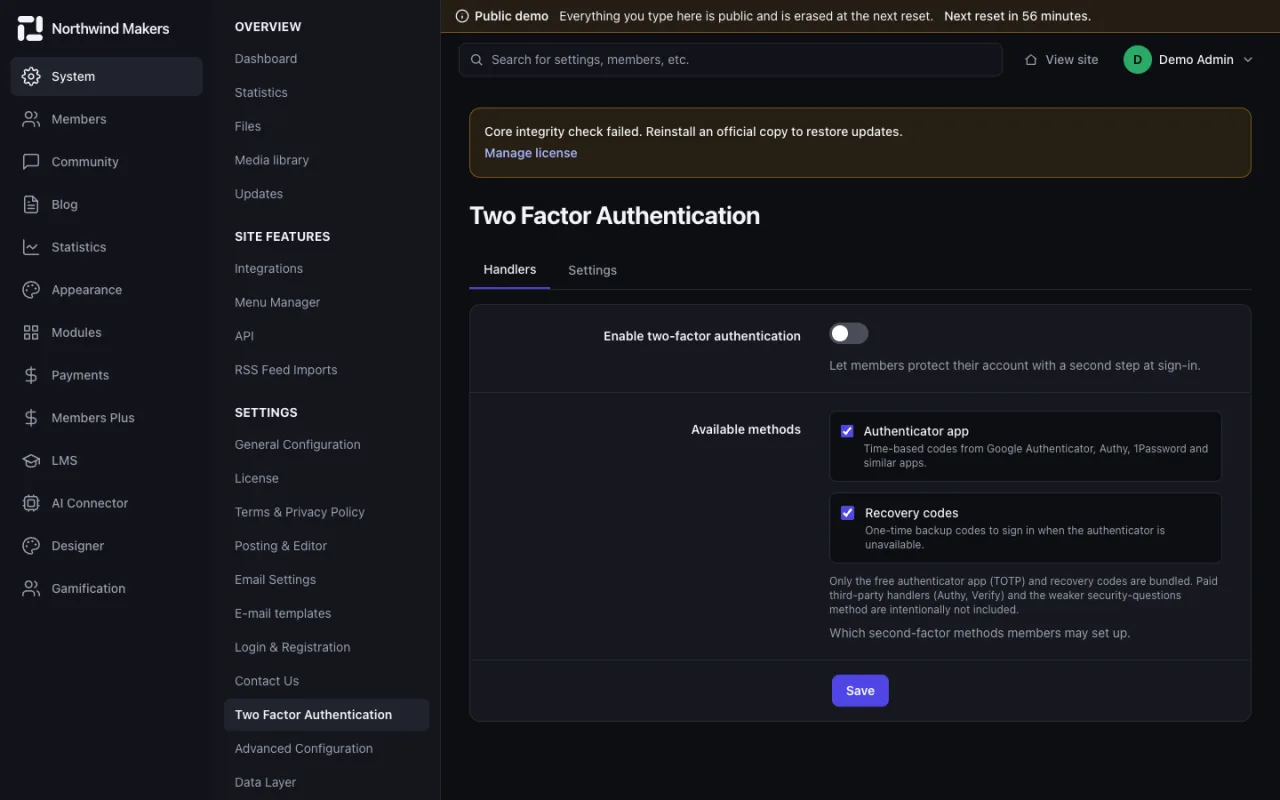
  • /admin/settings/two-factor
    Screenshot of Two-factor authentication in the Bondry demo

    Two-factor authentication

    Admin

    Require a second step at sign-in for members or staff.

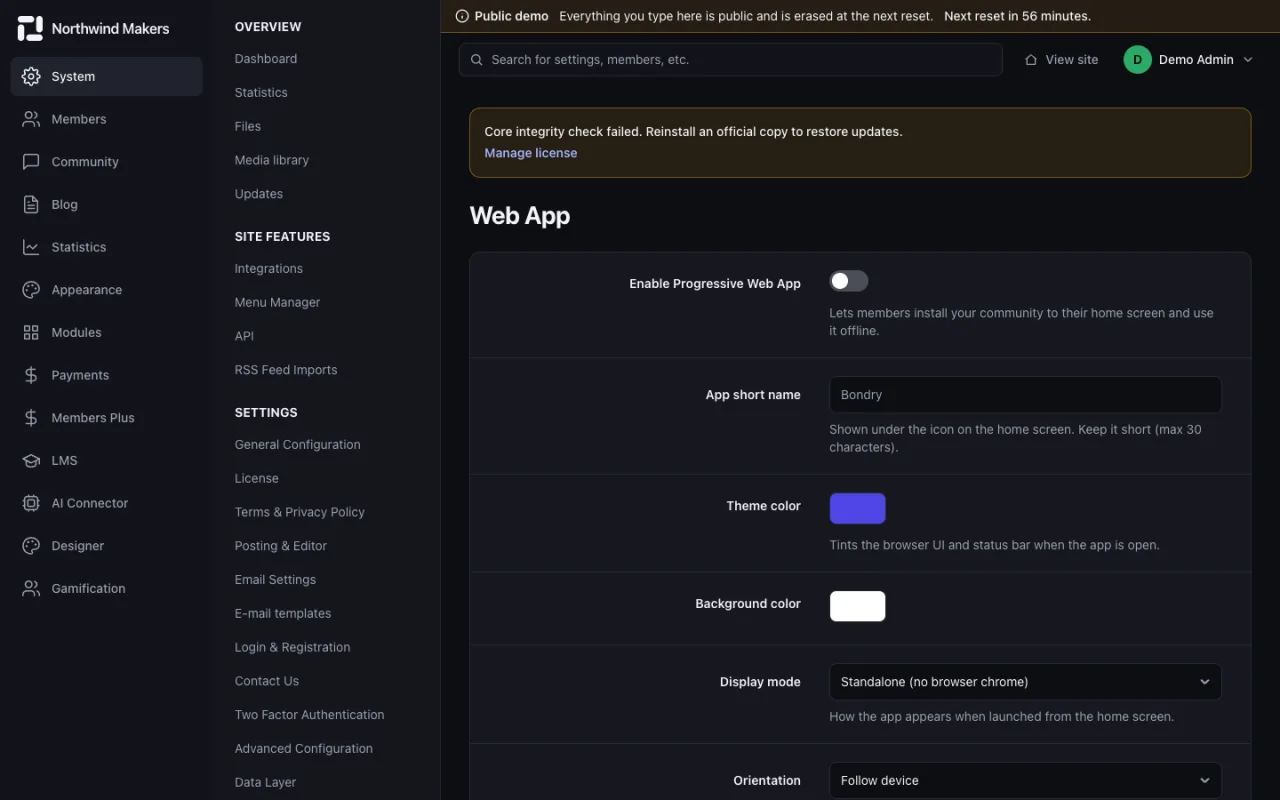
  • /admin/settings/webapp
    Screenshot of Installable web app in the Bondry demo

    Installable web app

    Admin

    Let members install the site on their phone as an app.

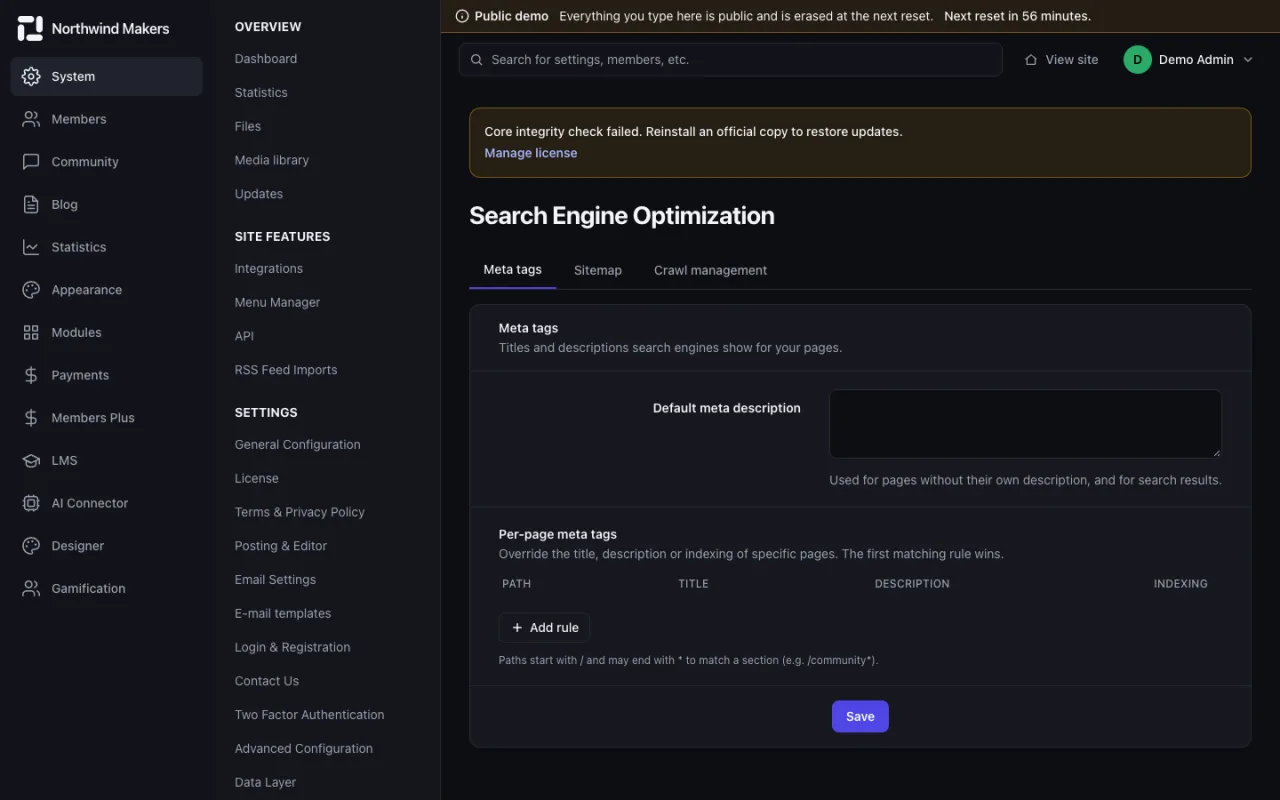
  • /admin/settings/seo
    Screenshot of SEO settings in the Bondry demo

    SEO settings

    Admin

    Titles, descriptions, sitemap and indexing options.

API, support and logs

API keys, the support area and the logs that help operate the site.
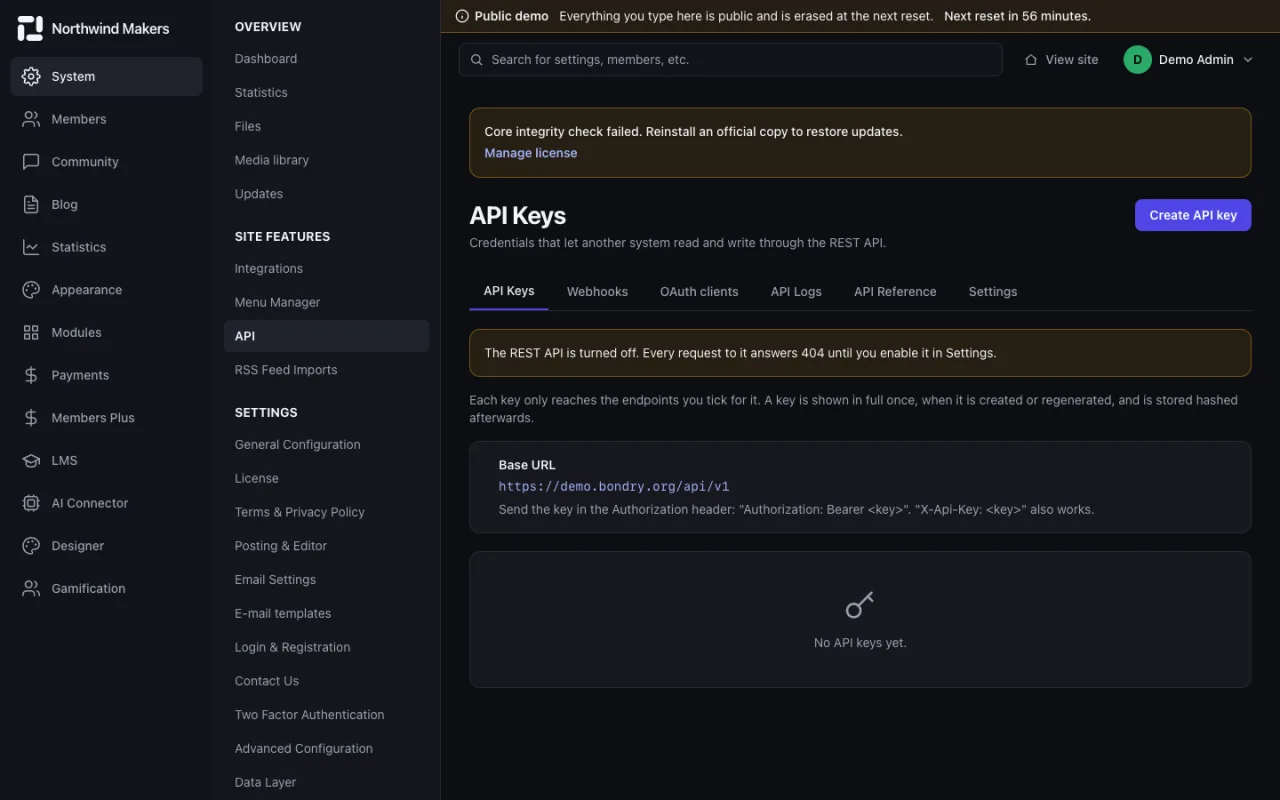
  • /admin/api/keys
    Screenshot of API keys in the Bondry demo

    API keys

    Admin

    Create keys to read and write data over the REST API.

  • /admin/support
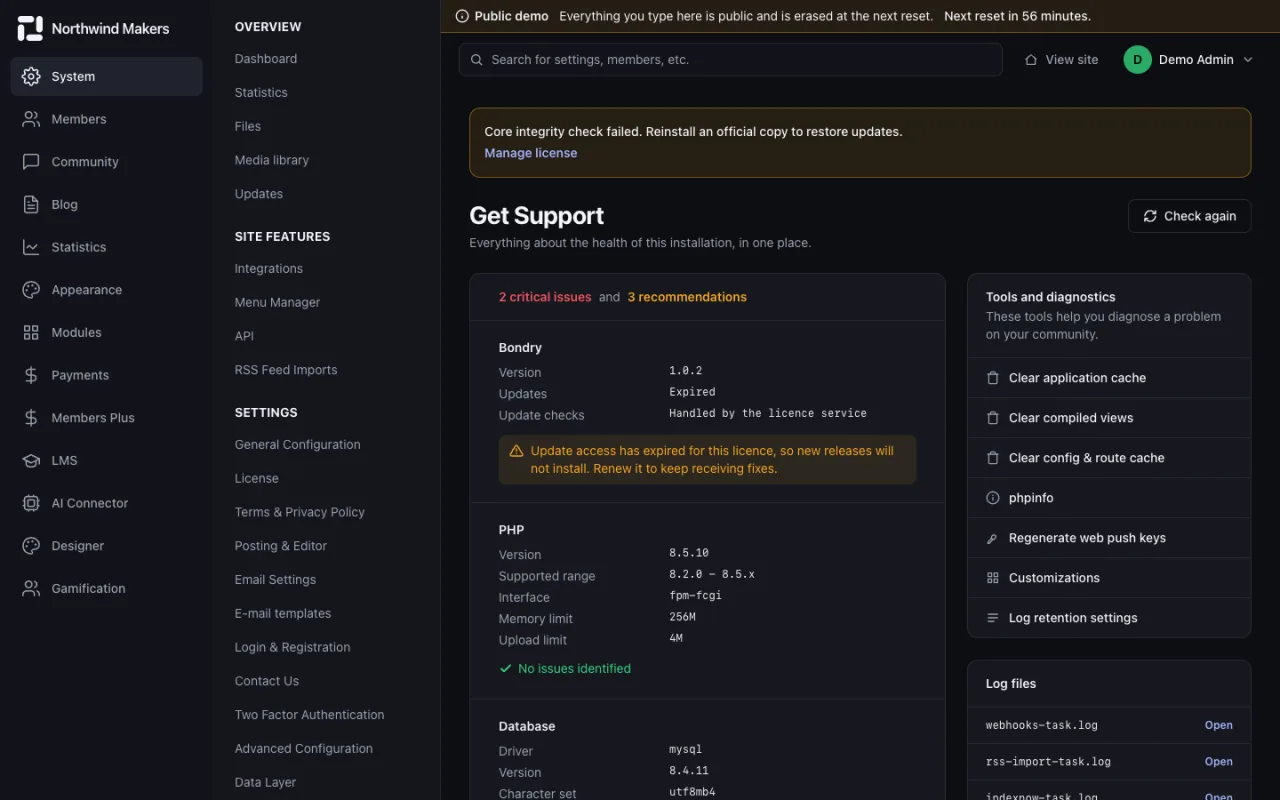
    Screenshot of Support area in the Bondry demo

    Support area

    Admin

    Support tools and customizations for the team.

  • /admin/logs/system
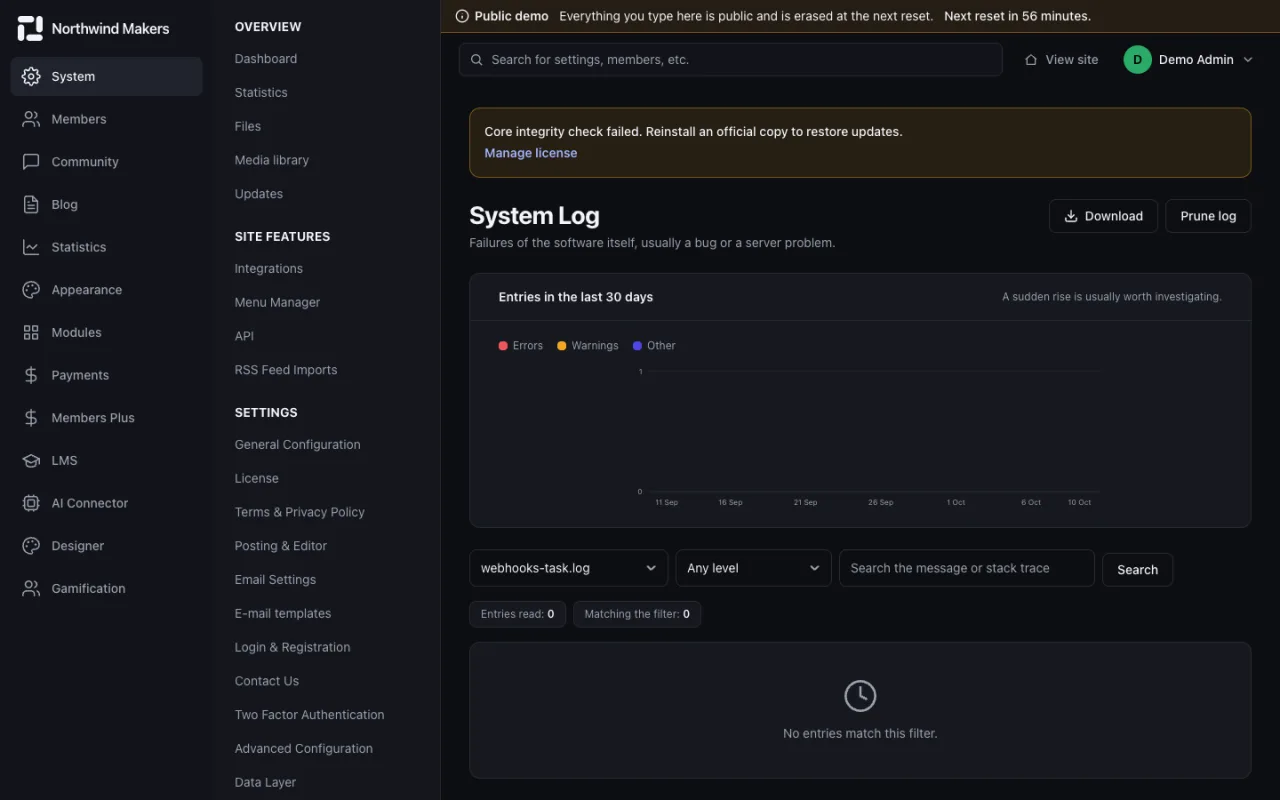
    Screenshot of System log in the Bondry demo

    System log

    Admin

    Events recorded by the application.

  • /admin/logs/email
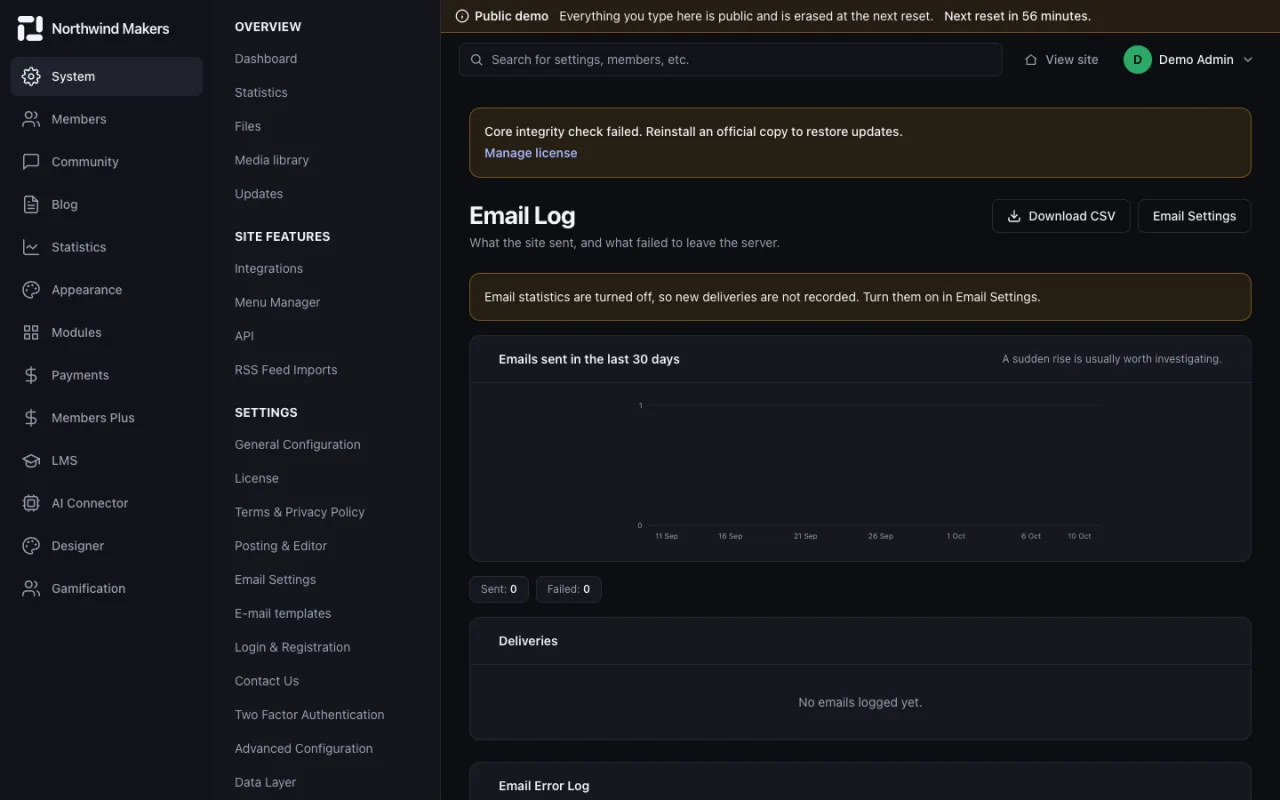
    Screenshot of Email log in the Bondry demo

    Email log

    Admin

    Every email sent, with its delivery status.

Privacy

This site uses only necessary cookies: session, language, theme and the hCaptcha anti-spam check on forms. There is no tracking and no advertising. Privacy policy